

Modifying a Provider Tool
Using HasMCP UI
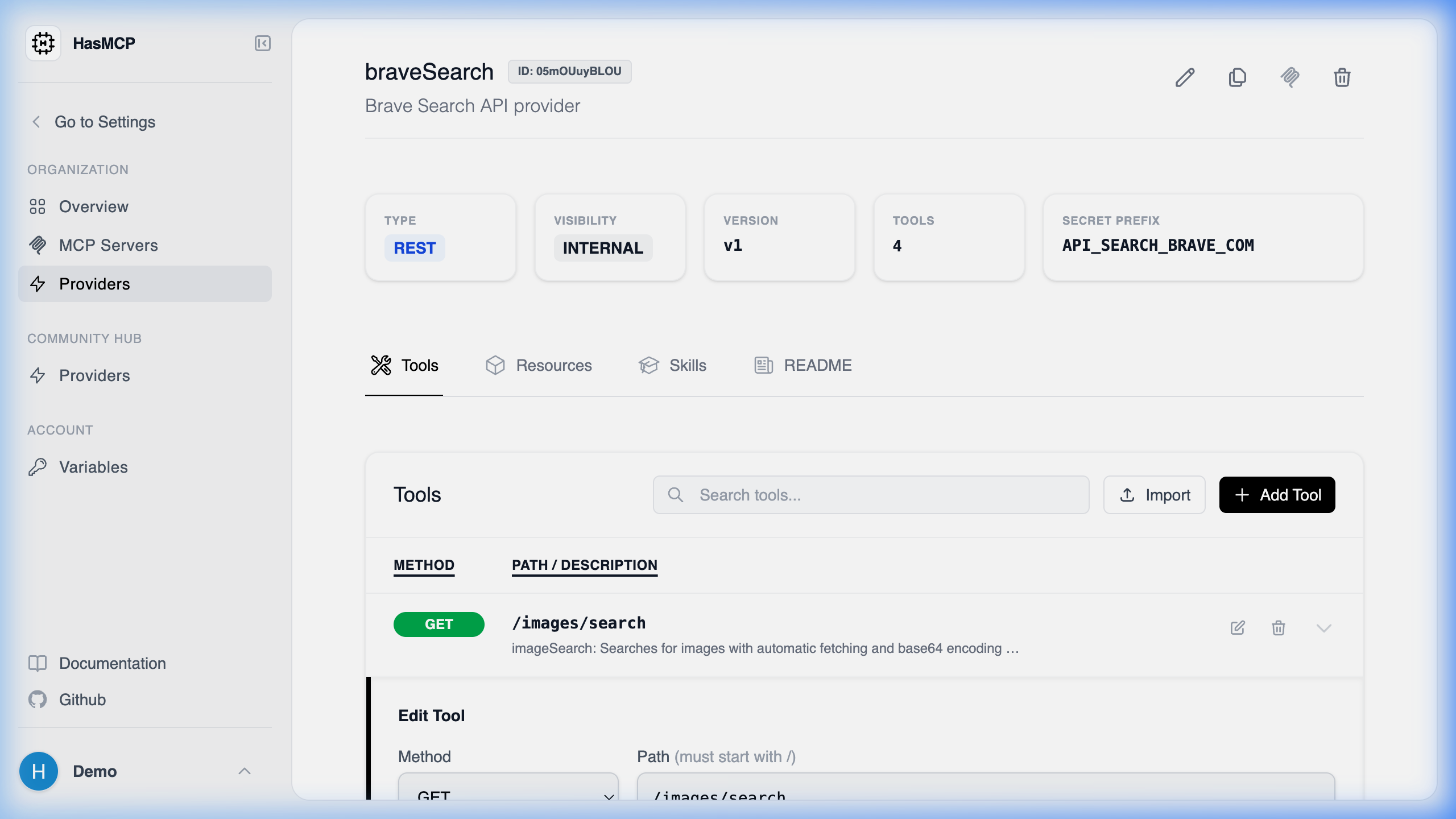
- From the Provider Details page, locate your target tool in the tool list.
- Click the Edit button contextually aligned with it.
- A modal will appear allowing you to alter the tool’s
description,inputSchema, orexecutionpath. - Click Save to apply the configuration patch.
Using REST API
APIs evolve. If an endpoint changes its expected path parameters or if you wish to refine a tool description to get better LLM adherence, you can iteratively update a specific tool.The API Endpoint
PATCH /providers/{providerId}/tools/{id}
Making the Patch Request
Send a request embedding theUpdateProviderToolRequest data payload. Only include the fields inside the tool object that you explicitly wish to modify—omitted fields will retain their existing configurations.
Example Update Request
200 OK signaling that all connected servers mapped to this tool will now utilize the updated configuration in real-time.