

Updating a Provider Resource
Using HasMCP UI
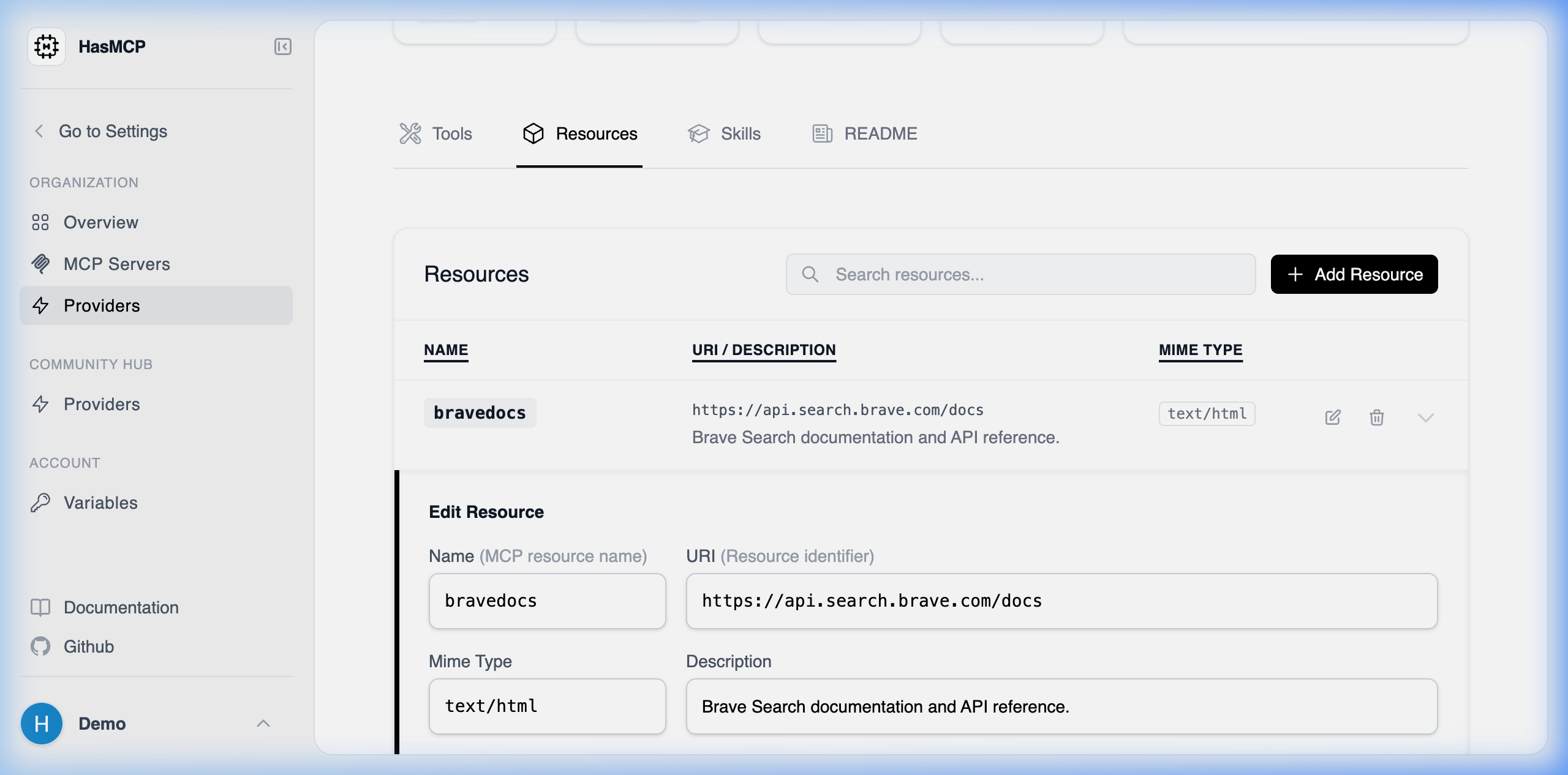
- Locate the assigned metadata blob in the Resources tab of your Provider.
- Click the localized Edit button.
- The Edit Resource modal appears; adjust the
mimeType, name, or modify the targeturi. - Hit Save to distribute the changes down to any attached MCP servers automatically.
Using REST API
Should an underlying static API path shift, or if you need to alter the URI format the LLMs utilize to call the file context natively, you patch the resource definition.The API Endpoint
PATCH /providers/{providerId}/resources/{id}
Constructing the Update Payload
Send a JSON structure formatted against theUpdateProviderResourceRequest schema. Like other patch mechanisms in HasMCP, you only need to supply the specific key-value pairs inside the resource object you wish to mutate.
Example Request Structure
200 OK confirms that any MCP server actively attached to this provider resource will instantly adapt to proxied data through the updated routes.