

Getting Specific Provider Details
Using HasMCP UI
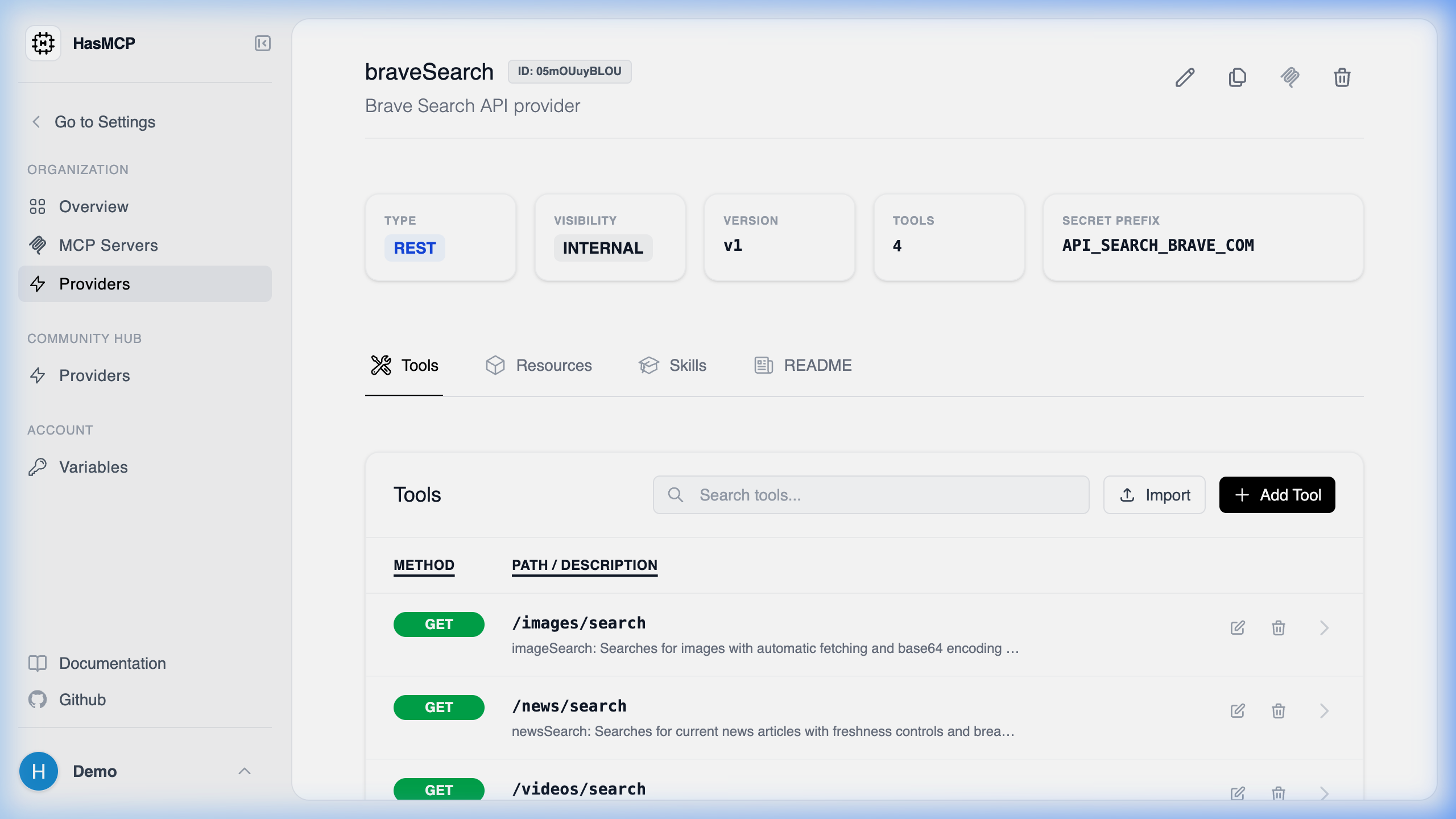
- Navigate to the Providers menu.
- Click on the name or the card of the Provider you want to inspect.
- You will be taken to a dedicated page outlining its endpoints, active tool mappings, and OAuth2 configurations.
Using REST API
To fetch the full configuration of a specific API provider programmatically, you must make aGET request using the provider’s unique 11-character identifier.
The Endpoint
GET /providers/{id}
Example Request
The Response payload
The endpoint returns a200 OK status and provides a GetProviderResponse object. The response features a fully populated Provider schema containing:
- The base routing URL and Name.
- Bound resource mappings and prompts.
- All mapped
toolsnatively associated with the provider, which can subsequently be attached to servers.