

Searching Providers by Name or URL
Using HasMCP UI
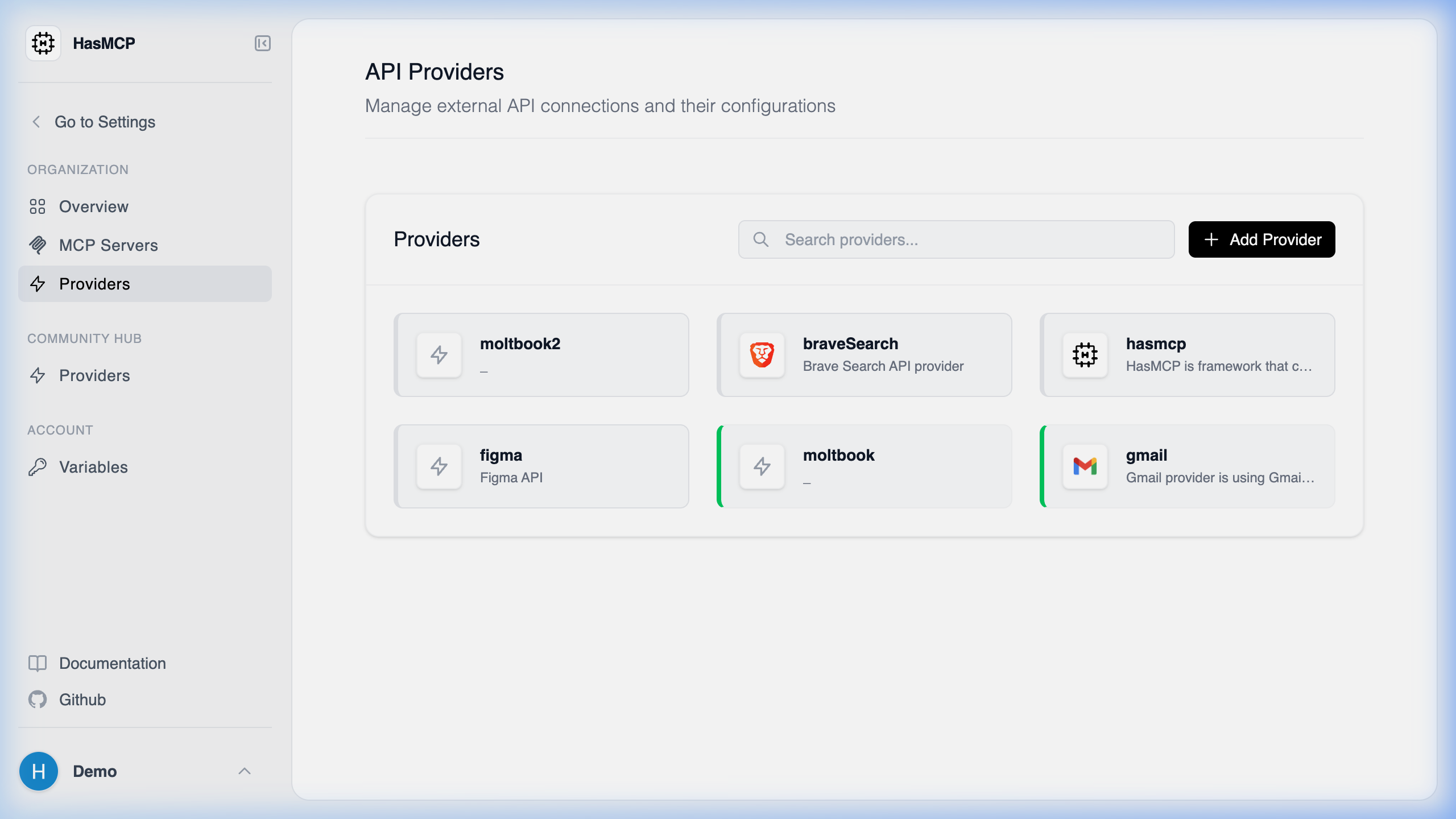
Using REST API
Yes, when making aGET request to the /providers endpoint, HasMCP allows you to append query parameters to search for subsets of providers matching specific text strings. This is extremely helpful when managing a large catalog of APIs.
Available Search Parameters
The/providers endpoint supports the following two query string parameters for text-based searches:
nameContains(string): Filters the returned array of providers to only those where thenamefield contains the specified substring (case-insensitive depending on database collation).baseURLContains(string): Filters the returned array to only providers where thebaseURLincorporates the specified substring.
Example Queries
Searching by Name
To find all providers that have “Google” in their name:Searching by Base URL
To locate any provider mapping to a subdomain ofinternal.mycompany.com: