

Deleting a Resource from a Provider
Using HasMCP UI
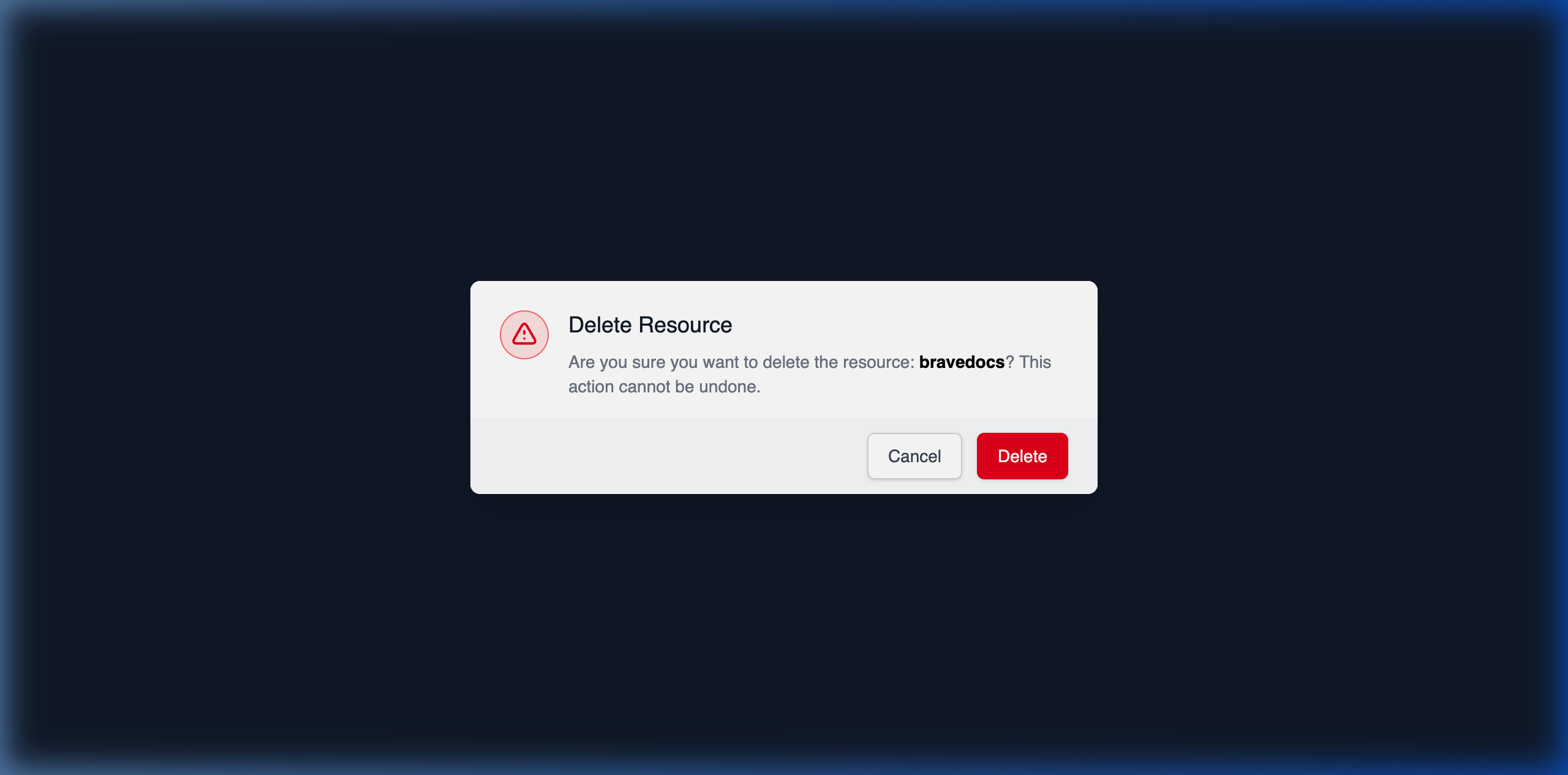
- Go to the Resources tab on the Provider Details page.
- Find the mapped resource.
- Click the Delete button.
- Verify your decision in the resulting confirmation dialog ensuring you understand the downstream impacts to bound servers.
Using REST API
To entirely purge a contextual resource mapping from a provider programmatically, you invoke the nested deletion endpoint.The API Endpoint
DELETE /providers/{providerId}/resources/{id}
Dispatching the Command
By targeting the explicitly unique resource ID inside the specific provider boundary path, you execute a silent hard-delete.204 No Content confirms the irreversible deletion of the mapping.
Critical Warning: Deleting a rootProviderResourcepermanently cascades and deletes allServerResourceassociation bridges mapped to it across your infrastructure. If a “Sales DB Schema” resource is deleted here, the three active LLM agents previously linked to it will immediately lose access to that dataset context.