

Deleting an API Provider
Using HasMCP UI
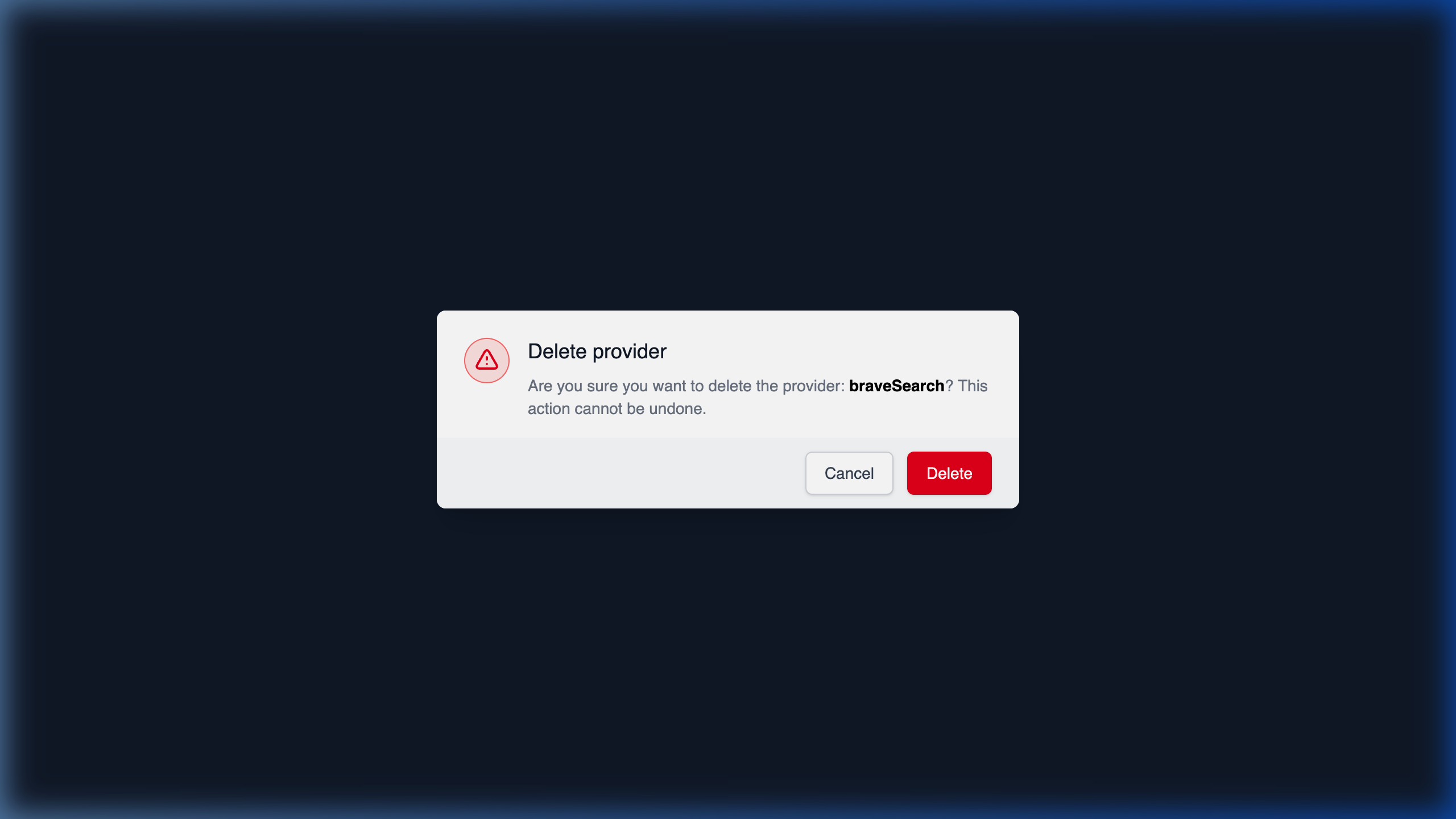
- Navigate to the detail view of the Provider.
- Locate and click on the Delete button.
- A confirmation modal will appear advising you that all associated tools and connections will be lost. Click Confirm to permanently delete the mapping.
Using REST API
If an external integration is aggressively deprecated and completely removed from your workflow, you can cleanly strike the provider’s existence from your workspace using the deletion endpoint.The Endpoint Route
DELETE /providers/{id}
Deleting via API Request
Using the 11-characterid of the provider in question, make an authenticated call:
204 No Content confirms successful execution.
Important Consequence: Initiating this DELETE action on a provider recursively breaks and removes anyProviderResource,ProviderPrompt, andProviderToolinstances intimately linked to it, effectively cutting those lifelines to any connected MCP Servers traversing them.