

Retrieving Details of a Specific Provider Resource
Using HasMCP UI
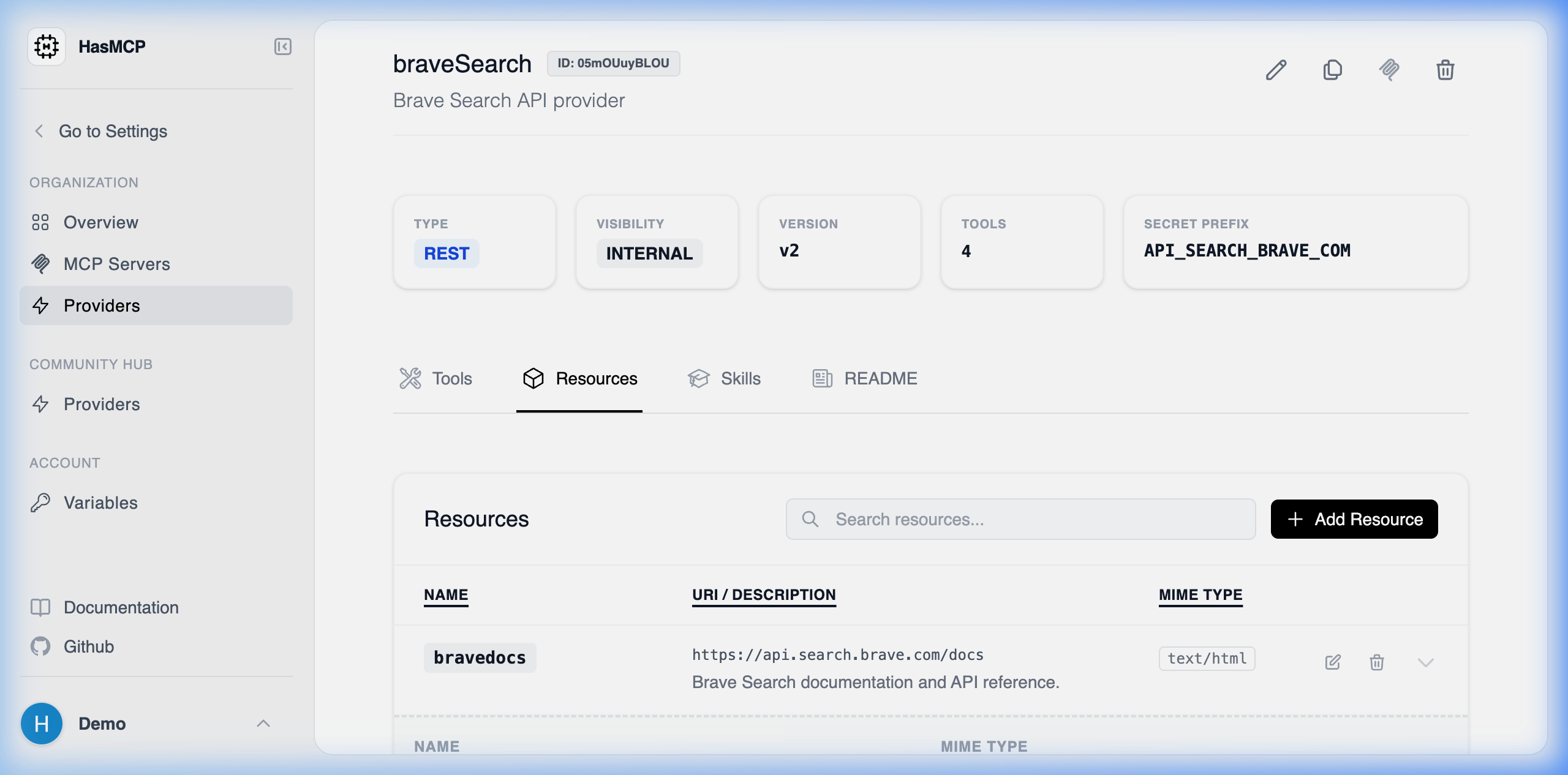
- Open the specific Provider Details page.
- Select the Resources tab to view the list.
- Click on the resource row or the “View” button to expand and inspect its native configuration formatting.
Using REST API
To retrieve the deep metadata payload for a single, specific resource assigned to an API provider programmatically, query its direct nested path format.The API Endpoint
GET /providers/{providerId}/resources/{id}
You must map both context identifiers securely:
{providerId}: The ID of the owning API catalog provider.{id}: The unique 11-character ID assigned specifically to the exact Resource mapping.
Example Request
200 OK status with a GetProviderResourceResponse payload, encapsulating the resource dictionary containing its exact mimeType formatting rules, and uri identifier instructions.