

Information Returned When Listing MCP Servers
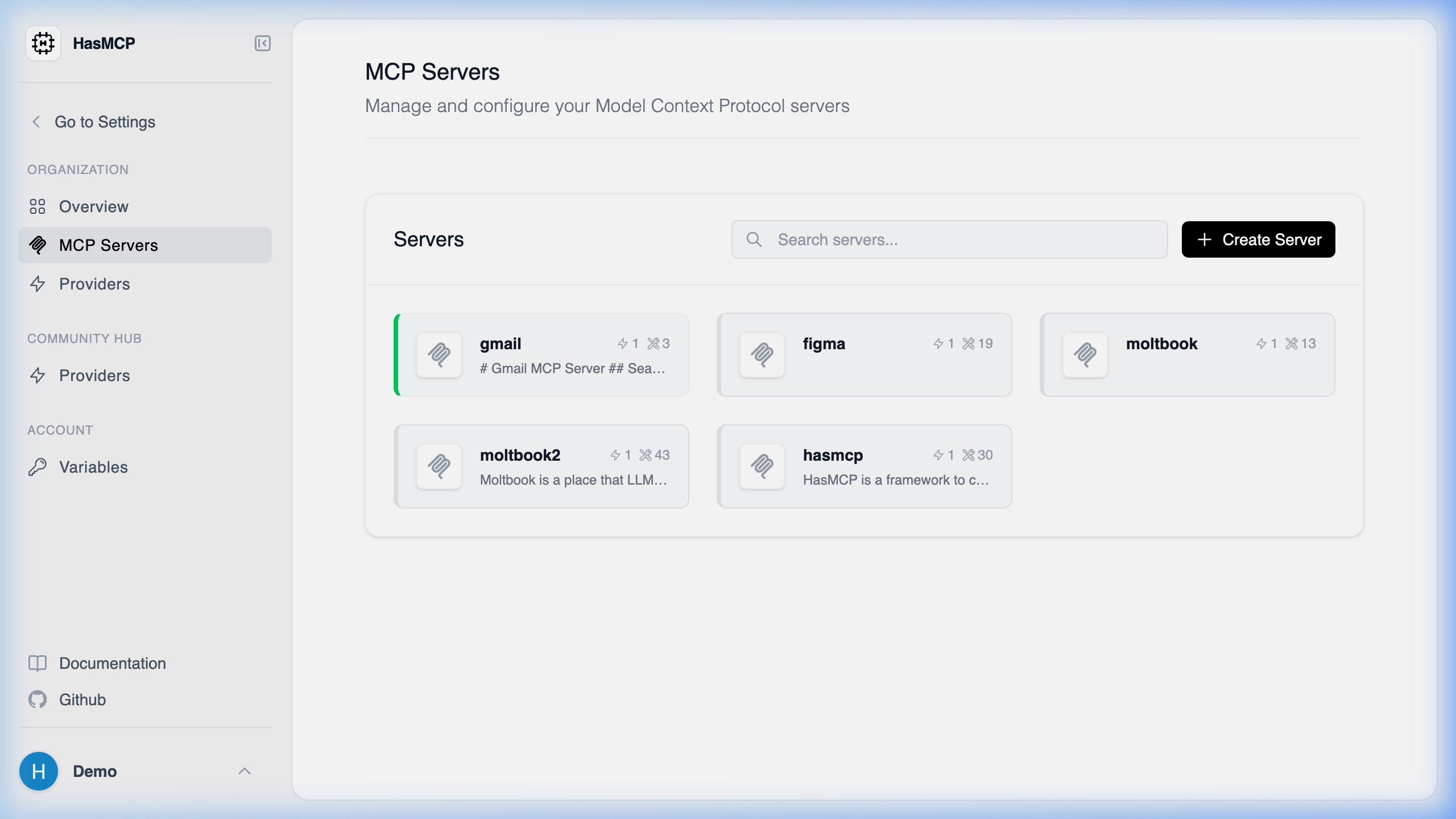
Using HasMCP UI
Using REST API
When you call theGET /servers endpoint, the HasMCP Manager returns a ListServersResponse containing an array of Server objects.
Server Object Schema
For each MCP server in the list, you will receive the following metadata and configuration properties:id(string): The unique 11-character alphanumeric identifier for the server (e.g.,kSuB9Gf6aD4).createdAt(string, date-time): The timestamp when the server was created.updatedAt(string, date-time): The timestamp when the server was last updated.name(string): The human-readable name of the server.description(string): An optional description explaining the server’s purpose.requestHeadersProxyEnabled(boolean): Indicates if header proxying is enabled.version(integer): The configuration version number.providers(array): A detailed list of associated providers and their specific OAuth/API configurations.resources(array): A list of resources linked to this server.prompts(array): A list of static or dynamic prompts attached to this server.