

End-to-End HasMCP Setup
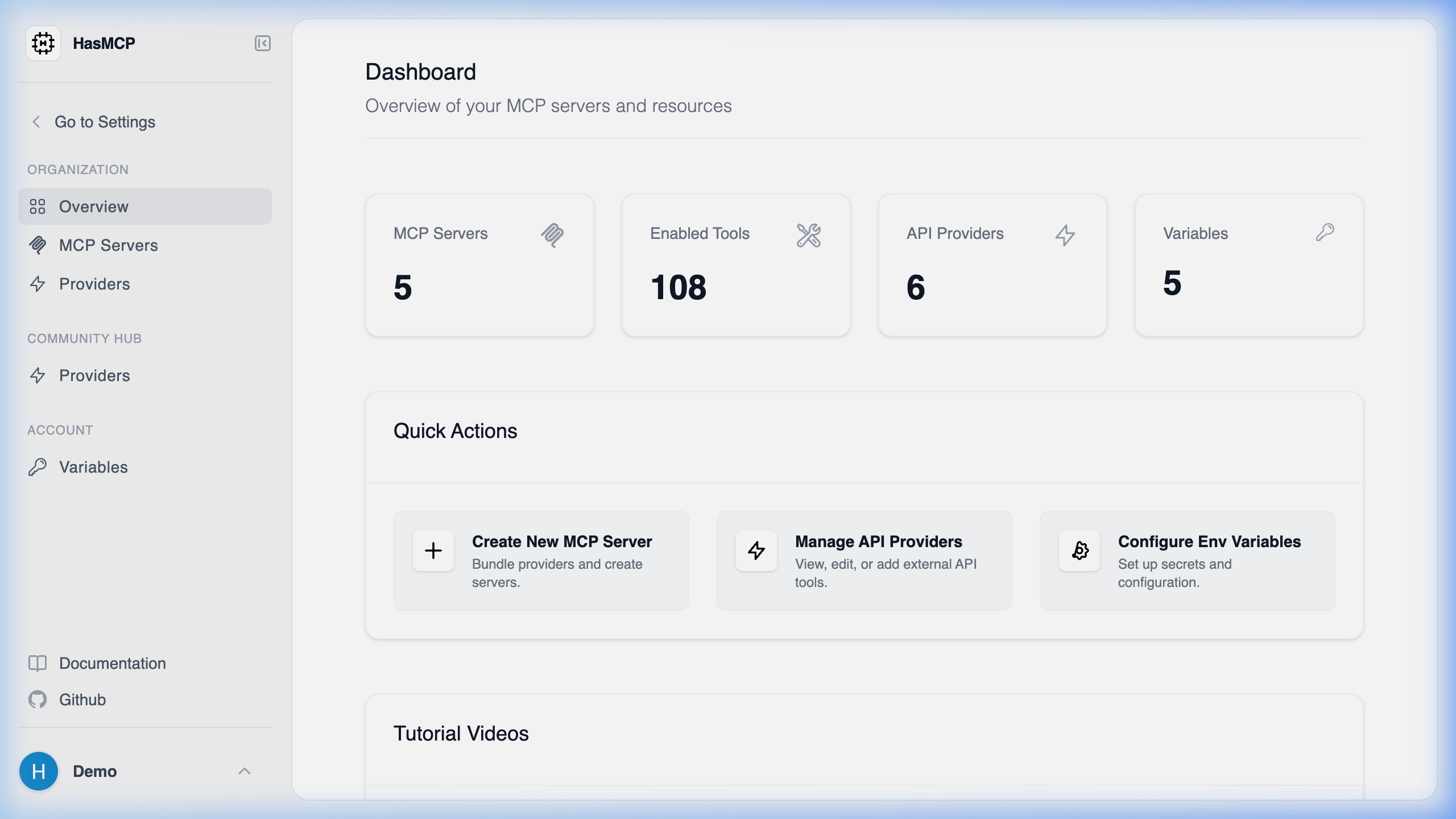
[!TIP] Video Tutorials: For visual walk-throughs and detailed guides on getting started, check out the official HasMCP YouTube Channel.HasMCP acts as the central proxy orchestration layer between disparate API platforms (like Github, Slack, or internal PostgreSQL databases) and your local Model Context Protocol (MCP) compatible agents (like Claude Desktop). To successfully establish a live data pipeline, you must complete four fundamental architectural phases natively:
1. Provider Registration
The foundation of any integration is the Provider.- Navigate to the Providers dashboard.
- Click Create Custom Provider (or select a blueprint from the Community Hub).
- Assign a globally unique
namespace(e.g.,google,jira). - Configure the base API routing requirements cleanly.
2. Capability Mapping (Tools, Resources, Prompts)
Once the provider framework exists, you must define its capabilities precisely.- Tools: Define explicit executable functions mapping to external API capabilities (e.g.
create_jira_issue). - Resources: Define static or dynamic endpoints returning structured readable string data natively (e.g.
get_database_schema). - Prompts: Map instructional templates to guide agent behaviors globally.
3. Server Instantiation & Configuration
Providers do not execute independently; they require an MCP Server logic boundary.- Navigate to MCP Servers and click Create Server.
- Name the Server logically (e.g.
Corporate Jira Agent). - Explicitly toggle the specific Tools, Resources, and Prompts you defined in Step 2, binding them securely to this exact Server hash.
- If your integrations require API keys or secrets , create a Server Variable defining the required authentication property.
4. Client Authentication
The final stage natively pipelines HasMCP securely into your local infrastructure.- Generate a Server Token locally from the Server Dashboard.
- Edit your local MCP Client framework securely (e.g.
claude_desktop_config.json). - Point the command architecture to
npx. - Pass the generated Server Token as a
BEARERattribute.
claude_desktop_config implementation: