

Renaming Your MCP Server
Using HasMCP UI
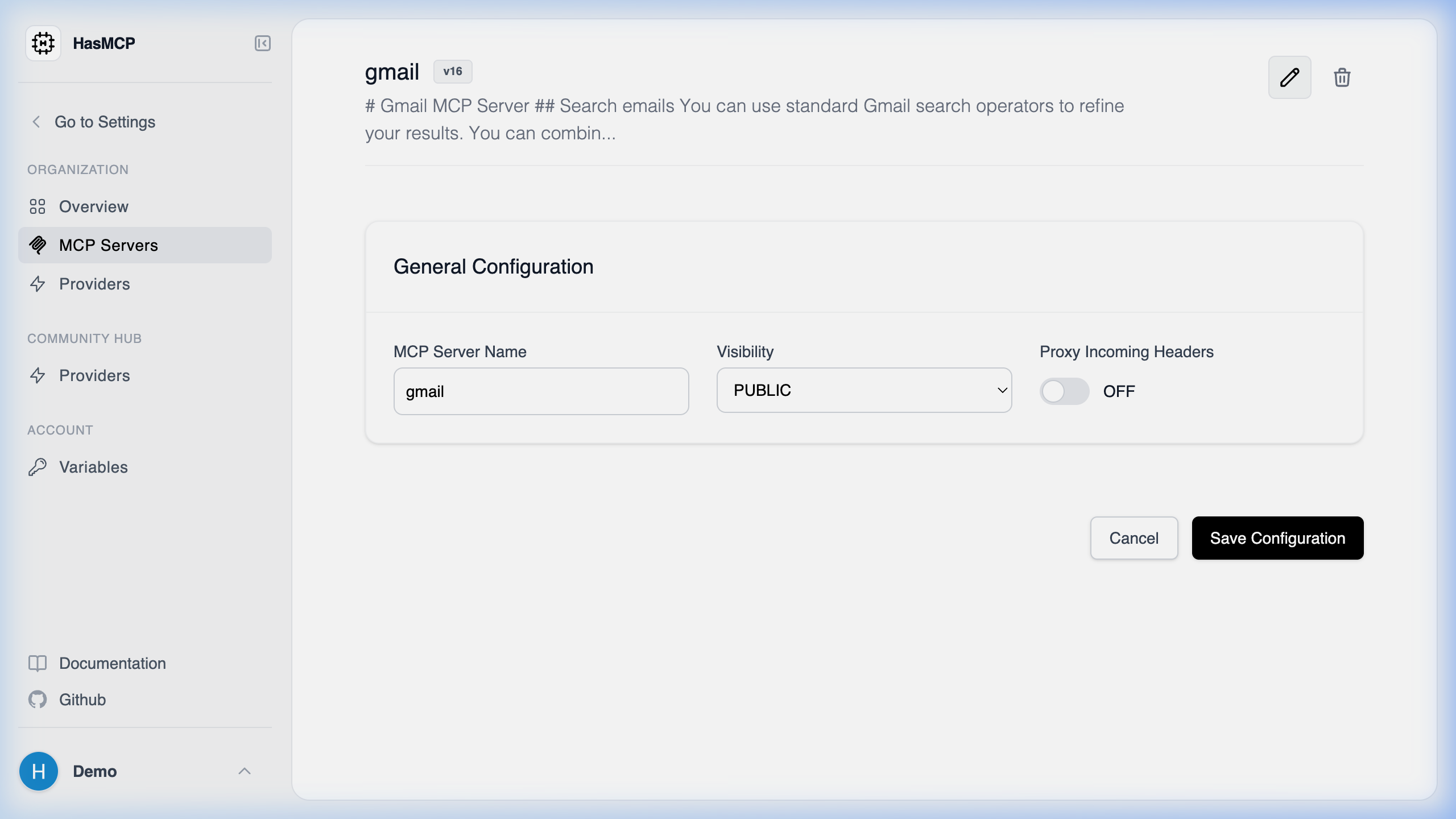
- From the Server Details page, click Edit.
- Update the Name text field.
- Click Save to confirm the new name.
Using REST API
Yes, you can rename an MCP server at any time after it is created. Renaming a server does not break its underlying ID or token credentials.How to Rename a Server
To rename a server programmatically, you send aPATCH request to the specific server’s endpoint:
PATCH /servers/{id}
In the JSON payload, simply provide the new name property within the server object. The HasMCP Manager will update the visual name of your server on the dashboard and in API listings, while keeping the internal configurations and bindings intact.