

Consequences of a DELETE Request
Using HasMCP UI
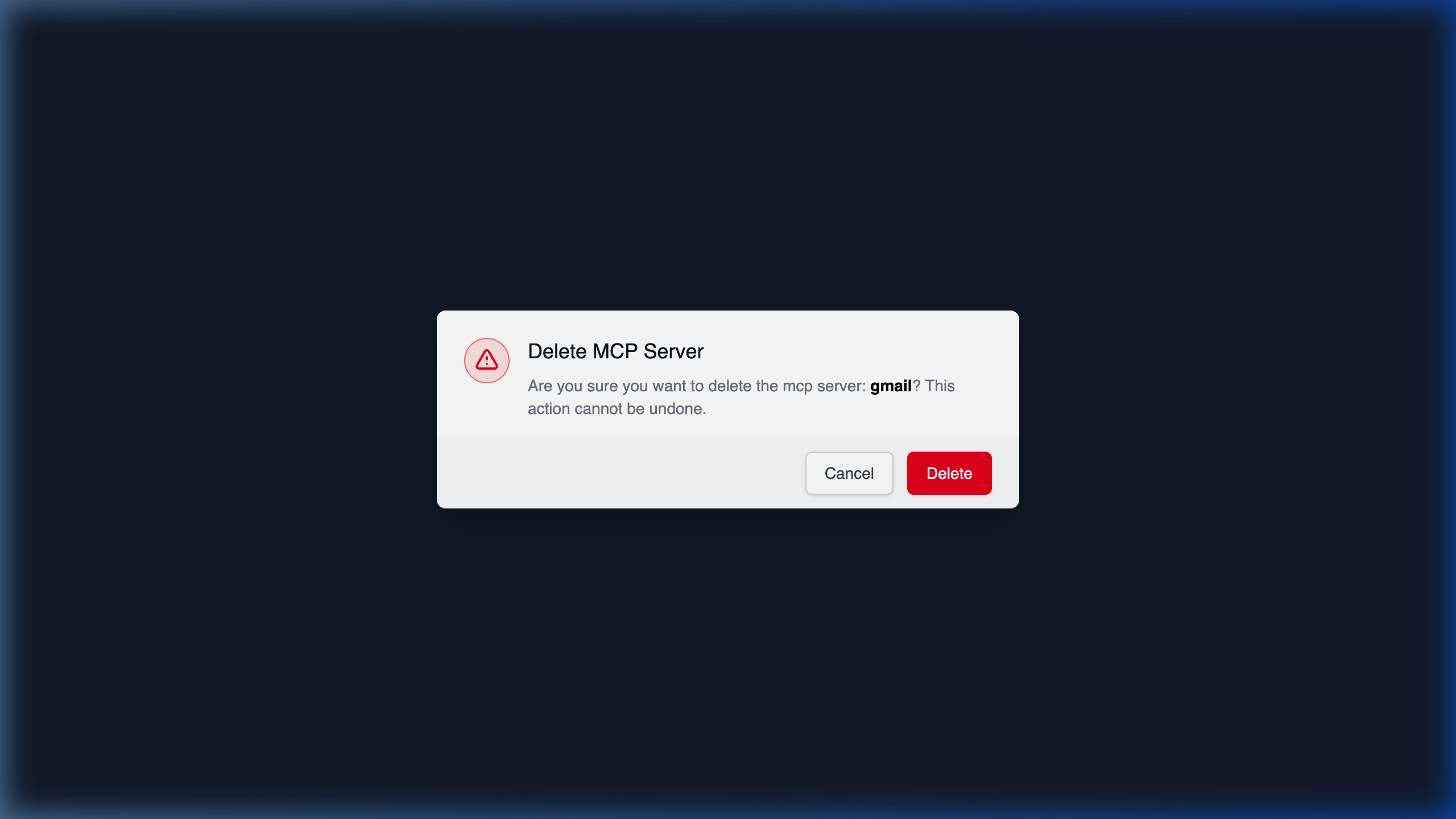
DELETE request in the background.
Using REST API
Sending aDELETE /servers/{id} request programmatically is a destructive action that permanently de-provisions your MCP server from the HasMCP Manager.
Cascade Effects
When the204 No Content status is returned:
- Server Configuration Removed: All metadata associated purely with the server (
name,instructions,version) is destroyed. - Tokens Revoked: Any active tokens specifically generated for this MCP server (
ServerToken) are immediately invalidated and deleted. This protects against unauthorized future access. - Associations Dropped: Connections mapping this server to
providers,tools,resources, andpromptsare severed. - Underlying Entities Remained Untouched: Importantly, deleting a server does not delete the underlying Provider, Tool, or Prompt configurations from the manager. These exist globally in your workspace and remain fully available to be attached to other active servers.