

Listing Active Server Tokens
Administrators continuously monitoring active infrastructure deployments should verify explicit connection points dynamically mapping back to known hardware or client applications systematically.Using HasMCP UI
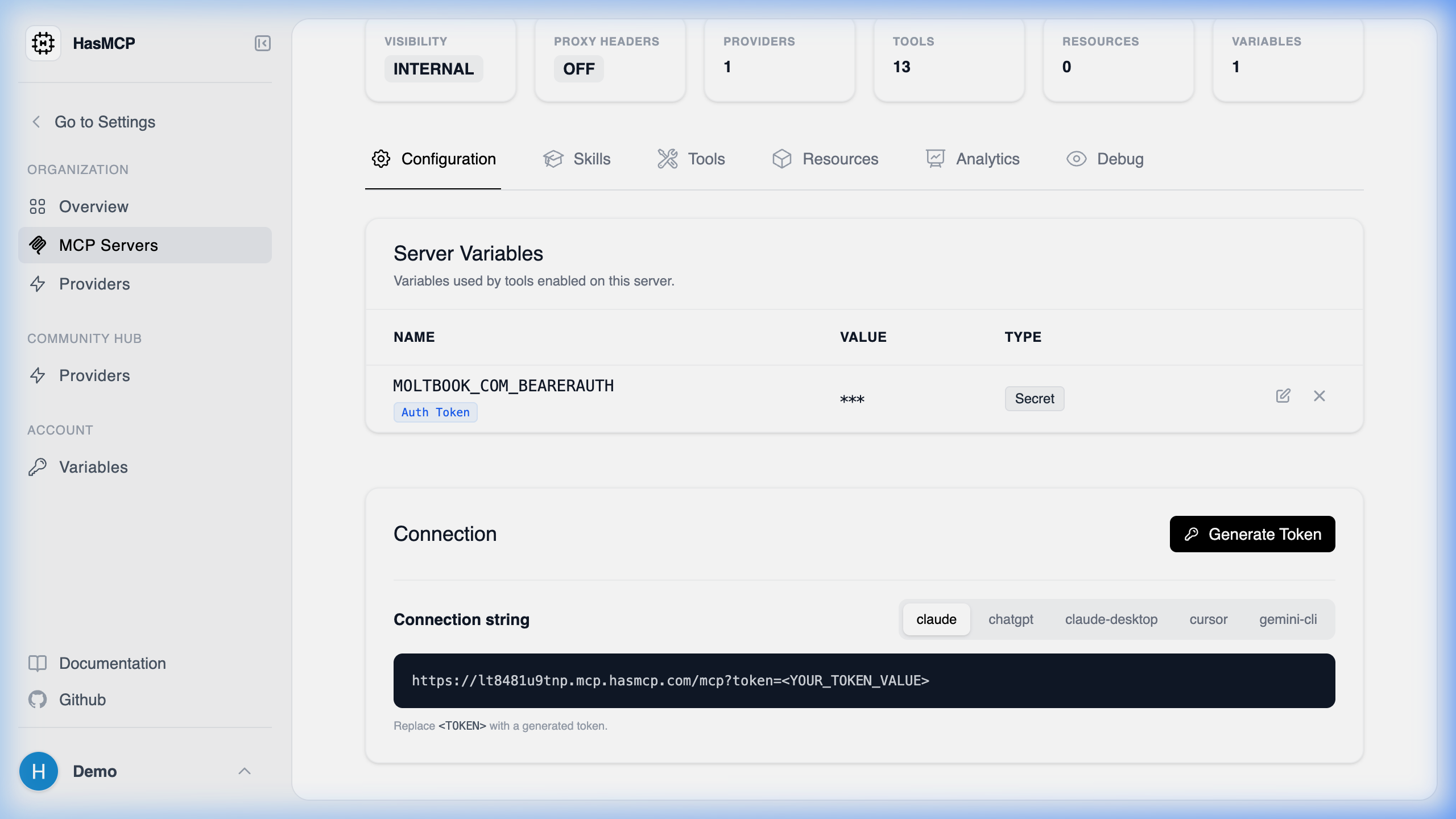
- Navigate internally to the designated Server instance originating via your MCP Servers routing view.
- Select the Configuration tab.
- Review the Server Tokens array table for immediate visual confirmation of all generated token structures (their metadata, issuance dates, names, and explicit termination timestamps natively).
Using REST API
To compile unified vulnerability checks dynamically utilizing pipeline audit mechanisms against explicit token expirations organically.The API Endpoint
GET /servers/{serverId}/tokens
Executing this simple GET action causes the orchestrator to dump a relational catalog array mapping to the specific orchestrator object.
Response Data Format
A successful transaction produces the nativeListServerTokensResponse housing a standard tokens array dictionary.
Note: As a direct security precaution inherent to the HasMCP database, the raw authentication value arrays are permanently inaccessible after their initial native creation step and will not populate within this array schema.