

Generating a Server Token
In order for a local desktop LLM client or an automated CI pipeline orchestrator to actively fetch tools from your HasMCP server layer, they must authorize their network handshake. This authentication is achieved through standard HTTP Bearer Tokens generated distinctively against each server entity.Using HasMCP UI
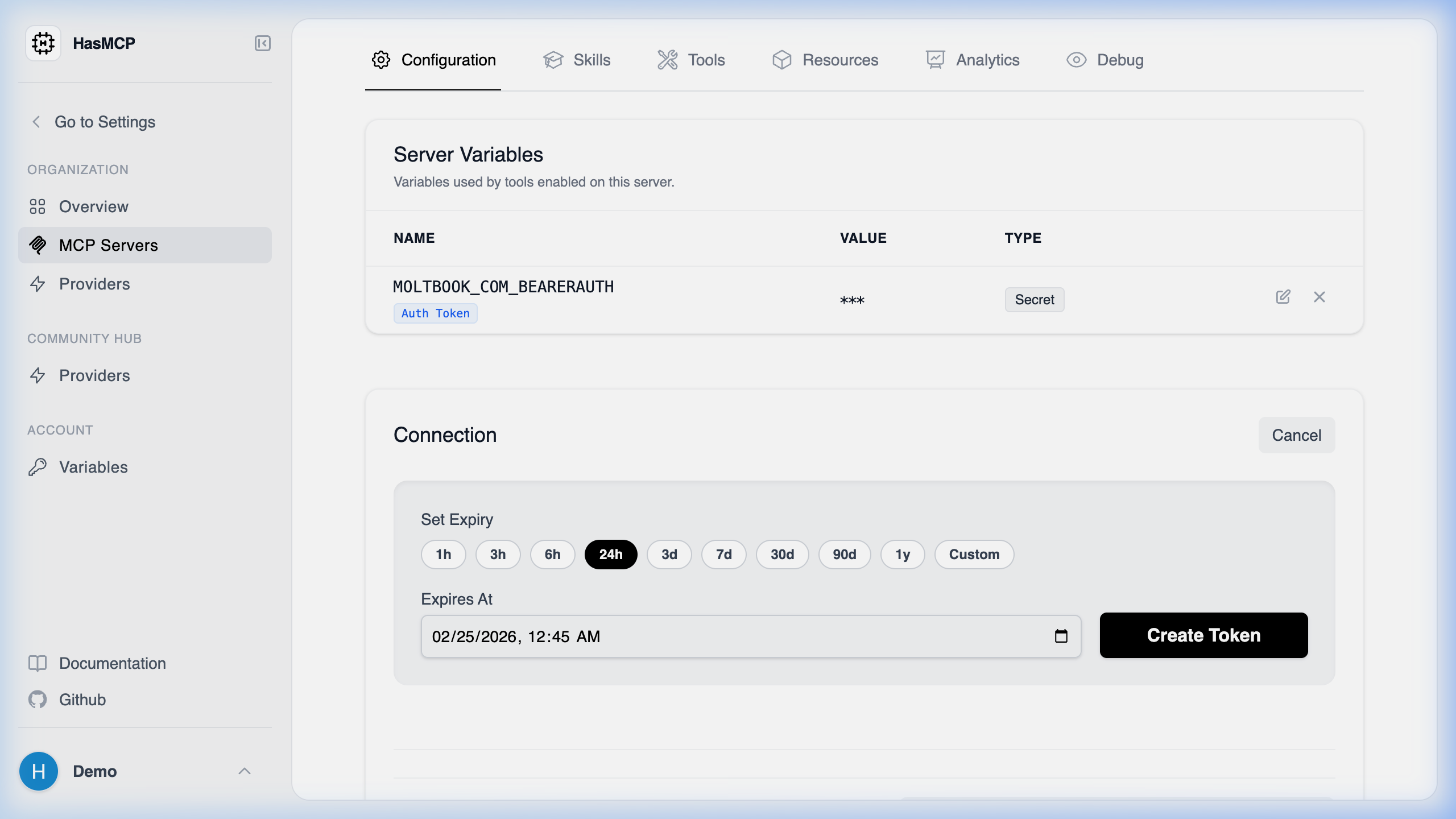
- Open your target environment from the MCP Servers layout.
- Select the Configuration tab.
- Locate the Server Tokens management table.
- Click the Generate Token button nested within that pane.
- Provide a recognizable
nameso you remember its purpose later (e.g.,Claude Desktop - MacBook). - Define an optional expiration date.
- Click Create to instantly produce the cryptography key.
CRITICAL SECURITY NOTE: Standard tokens manifest explicitly upon creation. You must copy the actual string value immediately. The platform only stores a one-way hashed derivation of the string for security purposes and will never display the raw token string to you again.
Using REST API
For DevOps automation pipelines booting fresh agent infrastructures, you can generate authenticating credentials programmatically via thePOST interface.
The API Endpoint
POST /servers/{serverId}/tokens
Generating the Payload
The generation sequence requires passing atoken object that optionally defines an expiration sequence and strictly names the credential contextually.
CreateServerTokenResponse payload that contains the unencrypted, raw bearer token string in the value property that you must immediately securely inject into your deployment pipeline.