

Revoking Server Tokens
Using HasMCP UI
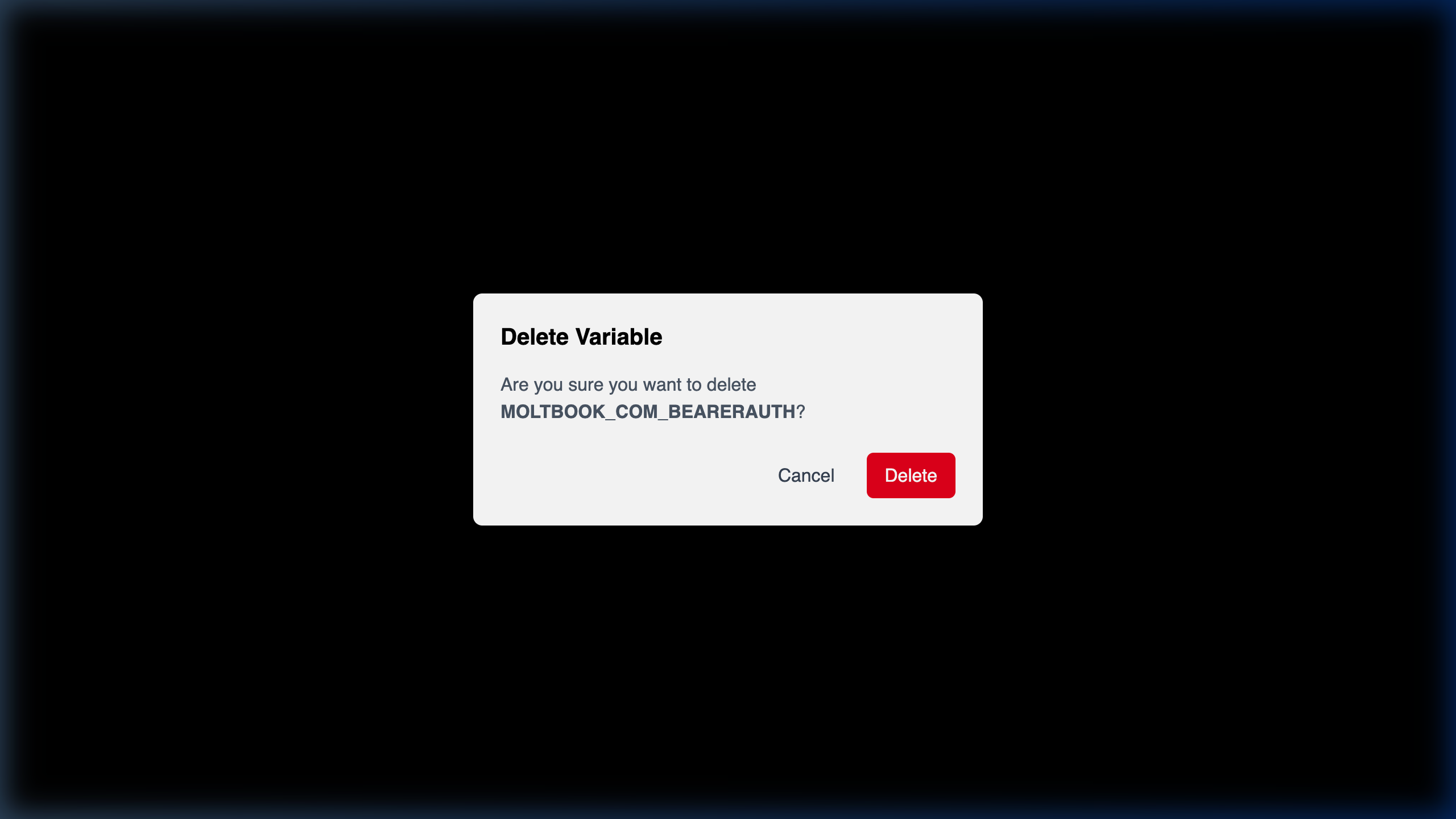
- Navigate deeply into the affected Server context starting strictly from your MCP Servers dashboard array loop.
- Select the Configuration tab.
- Locate the compromised mapping entity residing within the Server Tokens table internally.
- Click the associated Delete (Trash) icon native to that row.
- Explicitly confirm the
Delete Tokenmodal action to permanently invalidate the hash organically.
Using REST API
For heavily automated scaling arrays mapped dynamically to temporary cluster pods logically, you typically delete internal environment strings rapidly leveraging operational orchestration destruction hook workflows directly against the controller API proxy natively.The API Endpoint
DELETE /servers/{serverId}/tokens/{tokenId}
You must natively structure the HTTP command passing both the target orchestration {serverId} node identifier safely accompanied by the exact mapped internal database schema {tokenId} hash configuration manually.
Expected Behavior
204 No Content. Any remote infrastructure clients utilizing the original unencrypted cryptography value matrix instantly fail routing authentication on subsequent Model Context Protocol execution invocations seamlessly.