

Viewing Details of a Specific Provider Tool
Using HasMCP UI
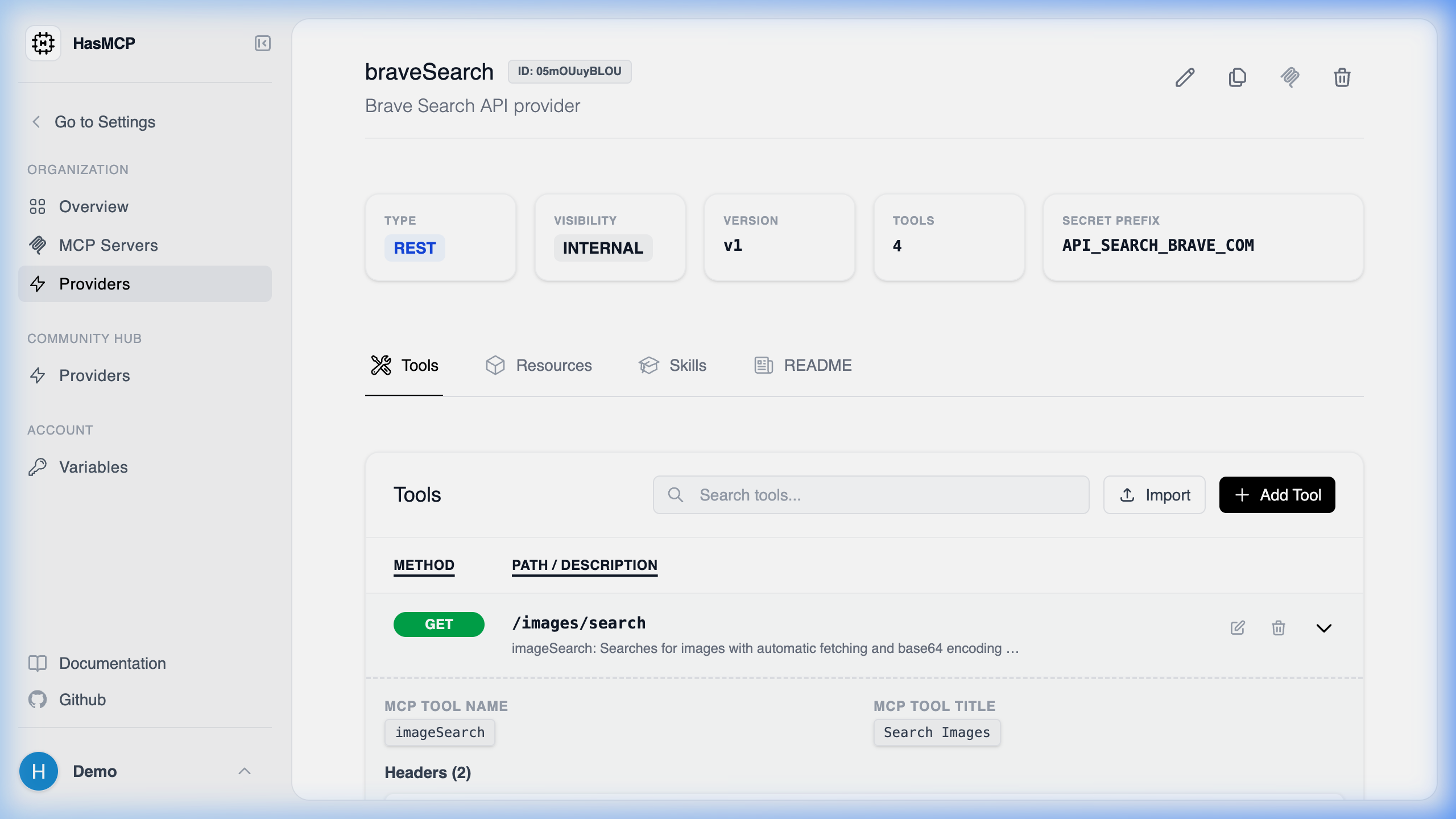
- Opening the Provider Details page.
- Under the Tools section, finding the tool in the list.
- Clicking on the tool row or a “View” action to open its dedicated property pane showing its execution path and input schema.
Using REST API
If you need the exhaustive JSON profile of an individual tool natively assigned to a provider, you will execute aGET request addressed directly to the tool’s ID nested under the provider.
The API Endpoint
GET /providers/{providerId}/tools/{id}
You must provide both identifiers:
{providerId}: The 11-character hash of the parent Provider.{id}: The 11-character hash of the individual Tool.
Example Request
200 OK response with a GetProviderToolResponse object. This schema exposes all defined prompt instructions, the specific execution URI segment, and HTTP method matching rules for this exact tool.