

MCP Server Creation Endpoint
Using HasMCP UI
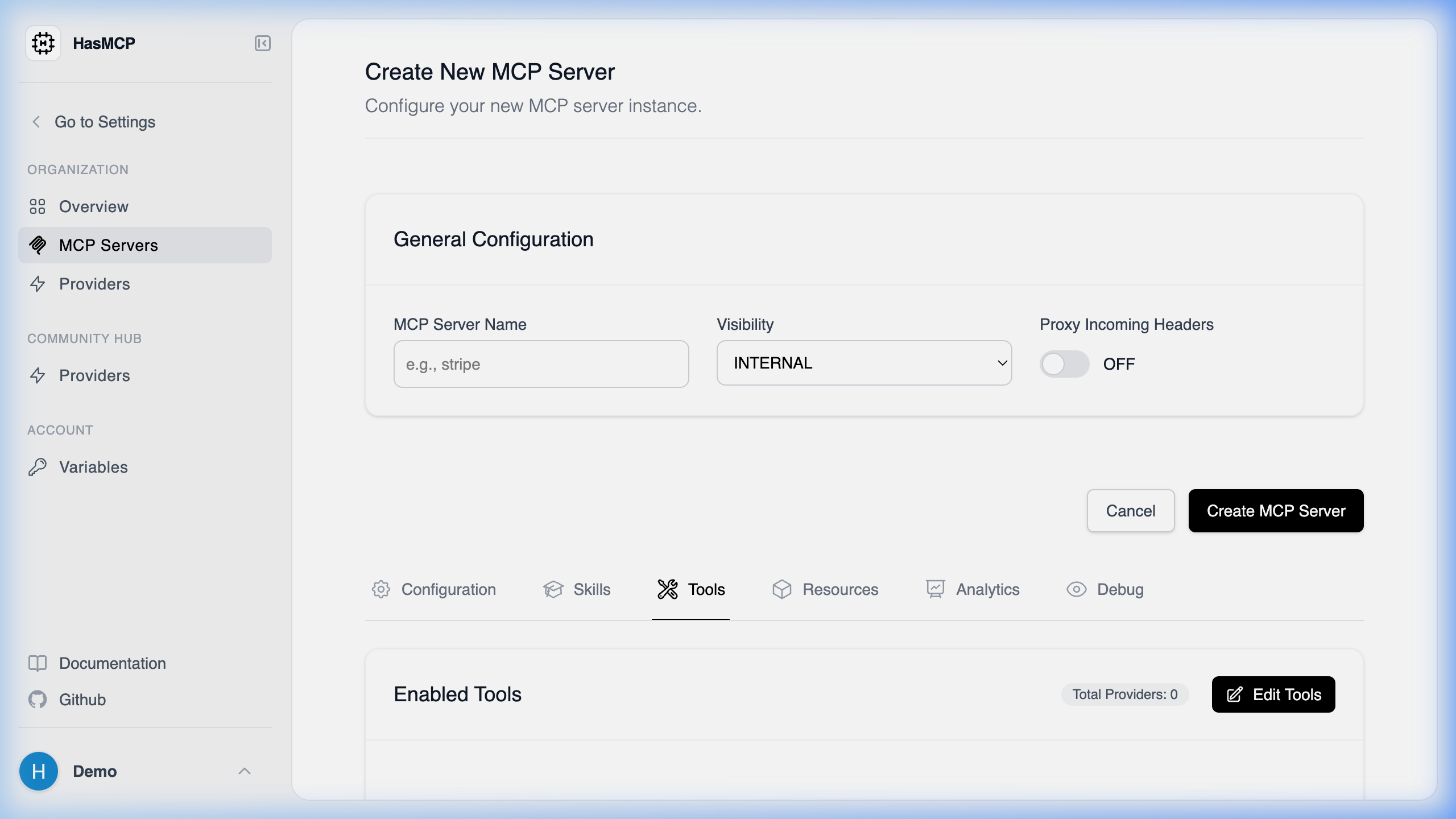
Using REST API
The specific API endpoint of the HasMCP Manager used for creating a new MCP server is:POST /servers
Endpoint Details
- HTTP Method:
POST - Path:
/servers - Authentication: Requires a Bearer token in the
Authorizationheader (Bearer <token>). - Content-Type:
application/json
CreateServerRequest payload to this endpoint, the HasMCP Manager will provision your new server and return a 201 Created response with the server’s generated ID and complete configuration.