

Associating a Tool with an MCP Server
Using HasMCP UI
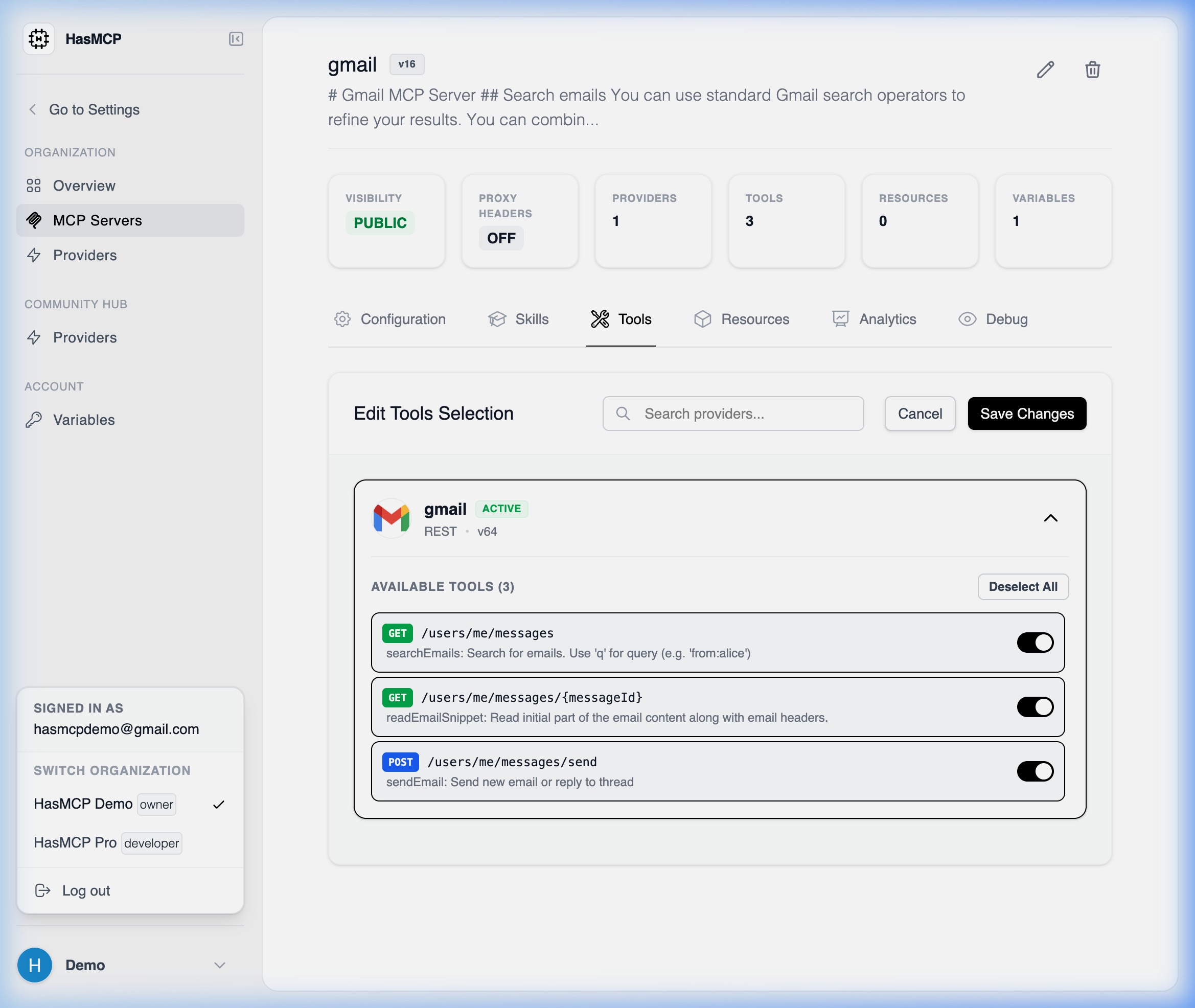
- Navigate to the MCP Servers page and select the server you wish to configure.
- Open the Tools tab.
- Click the Add Tool button.
- A selection modal appears. Choose the Provider that owns the tool, and then select the specific Tool you want to associate.
- Confirm the addition. The server immediately gains runtime access to the tool.
Using REST API
Programmatically linking tools to servers establishes the execution boundary for your AI agents.The API Endpoint
To create a new association mapping between a server and a tool, submit aPOST request to the server’s nested tools path.
POST /servers/{serverId}/tools
JSON Payload Requirements
You must provide atool object that maps all three fundamental relationships (the Server receiving the tool, the Provider hosting the tool, and the distinct Tool itself).
Example Request
CreateServerToolResponse with a 201 Created status, confirming the mapped execution permissions.