

Listing Available Providers
Using HasMCP UI
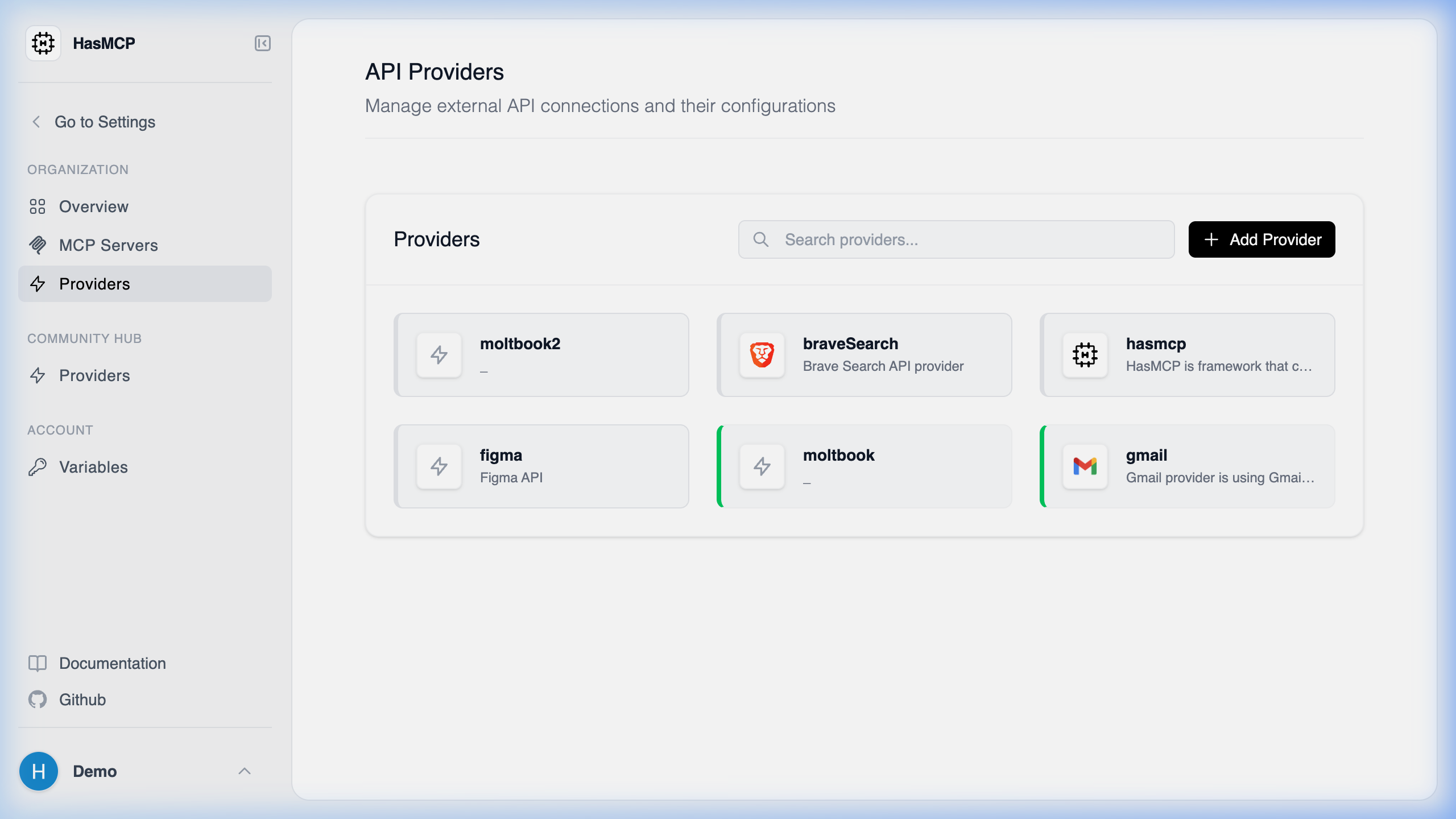
- Log into your HasMCP account.
- Click on Providers in the left-hand navigation menu.
- You will see a grid or list view of all your currently integrated API providers.
Using REST API
To see a list of all external API providers you have integrated with HasMCP programmatically, you can perform aGET request against the /providers endpoint.
Listing Providers via API
Accessing the providers list helps you identify theid of providers you wish to attach tools to.
The Request
Make an authenticatedGET request:
GET /providers
The Response
The API will return a200 OK status and a ListProvidersResponse object, representing an array of Provider objects. Each provider exposes its ID, name, baseURL, visibility type, and other configured properties.