

JSON Payload for Creating an MCP Server
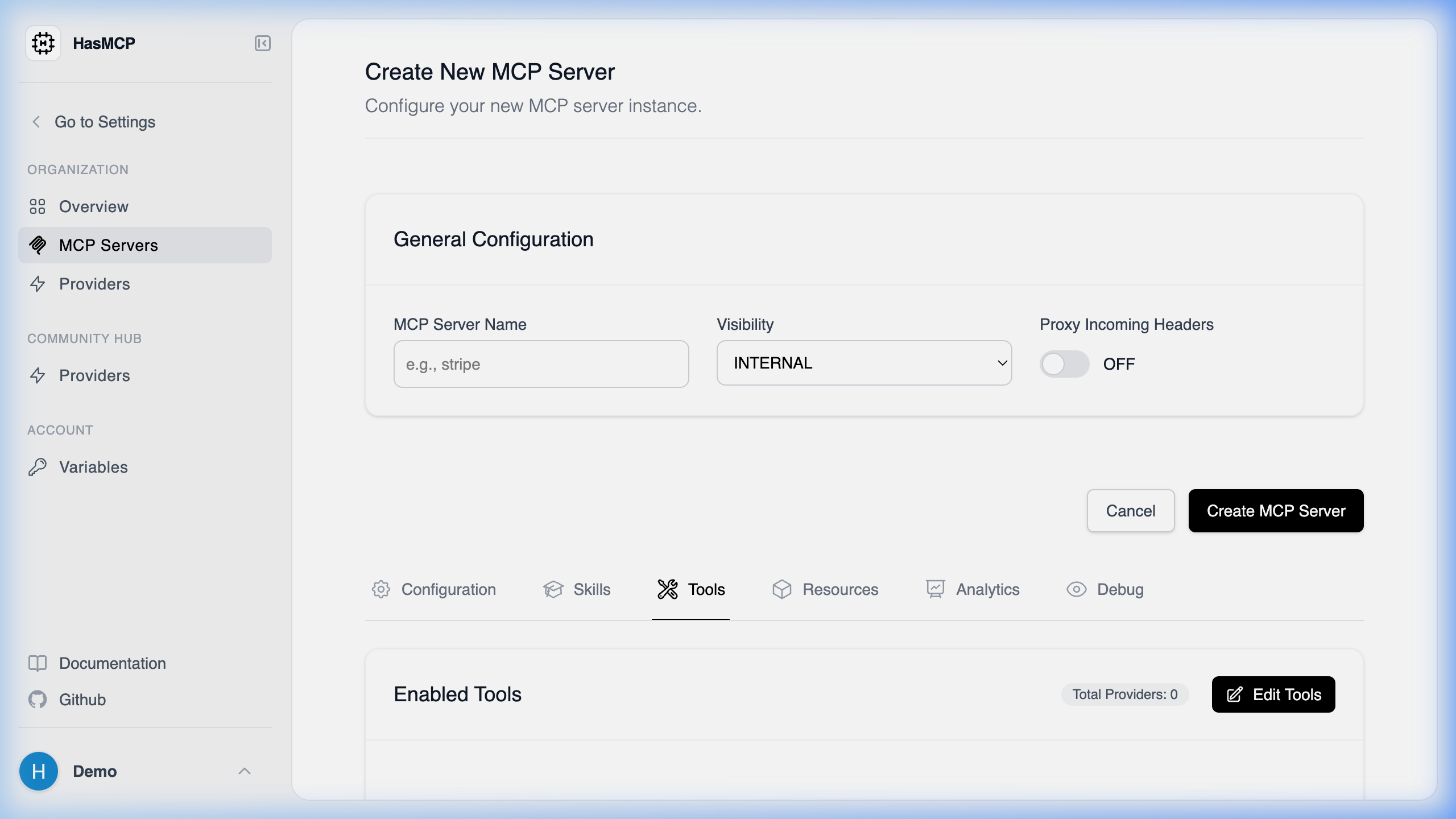
Using HasMCP UI
Using REST API
When creating an MCP server programmatically via thePOST /servers endpoint, your request body must contain a JSON object conforming to the CreateServerRequest schema.
Required Structure
The payload must have a rootserver object containing your configuration details. The server name is typically the most crucial starting property.
Schema Map
server(object, required):name(string): The name of your MCP server.instructions(string): System prompts or initial instructions for the server.version(integer): The numeric version of the server configuration.providers(array of objects): Associated API providers. Each object requires anidand optionally an array oftools(each with anid).resources(array of objects): Associated resources (requires anid).prompts(array of objects): Associated prompts (requires anid).