

Filtering Providers by API Type
Using HasMCP UI
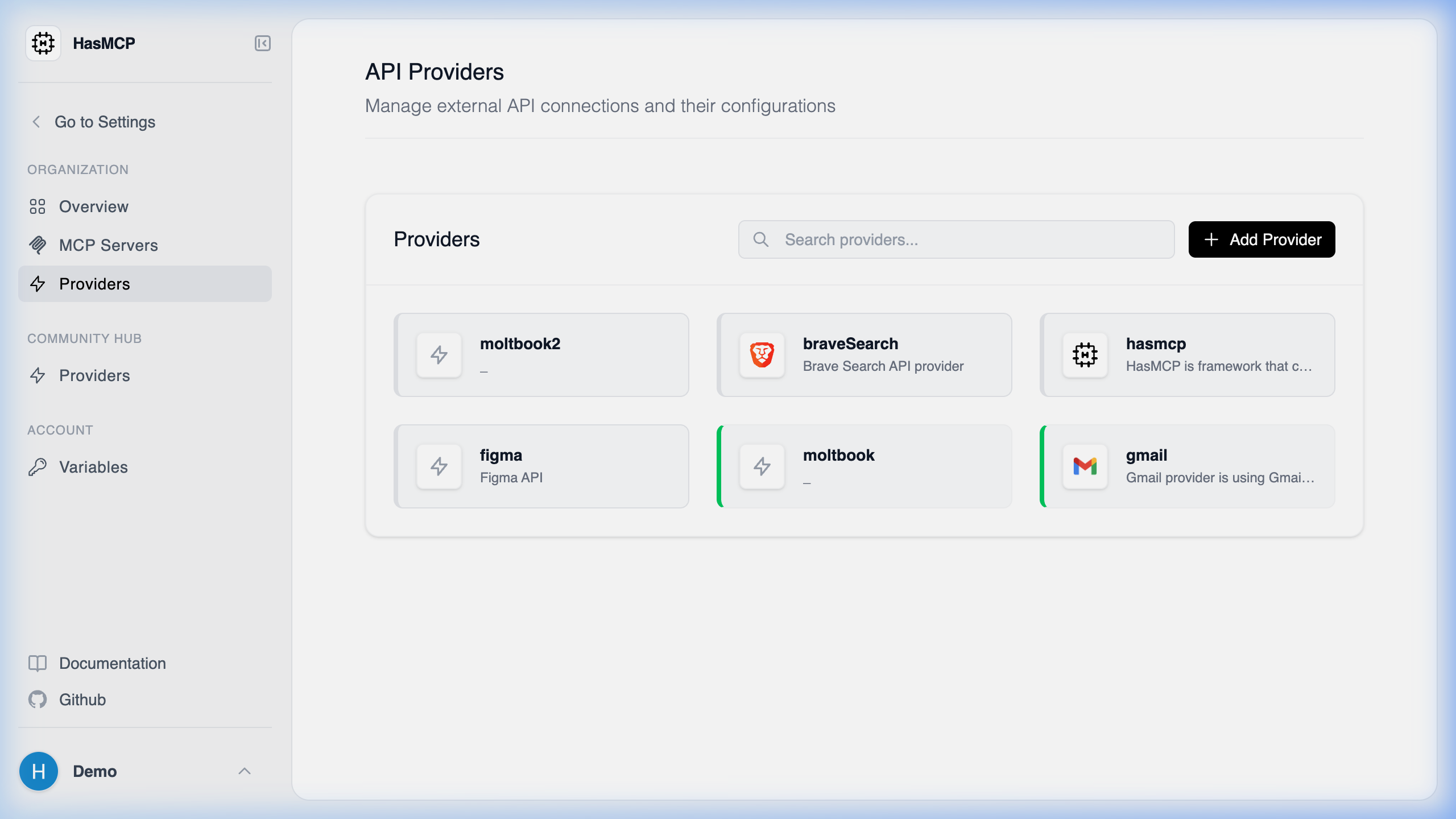
REST vs native integrations) is primarily handled at the data API level if you are building external integrations.
Using REST API
If you need to retrieve a list of providers conforming only to a specific architecture (e.g., separating REST APIs from other future API types), you can pass an exact match query parameter to the/providers endpoint.
The apiType Filter
By appending the apiType URL query parameter to your GET request, HasMCP will filter the response array to only include providers whose apiType string matches exactly.
Execution Example
To find all REST-based API providers:REST API type, but this parameter allows structural querying in mixed API environments.