

Listing All Tools for a Provider
Using HasMCP UI
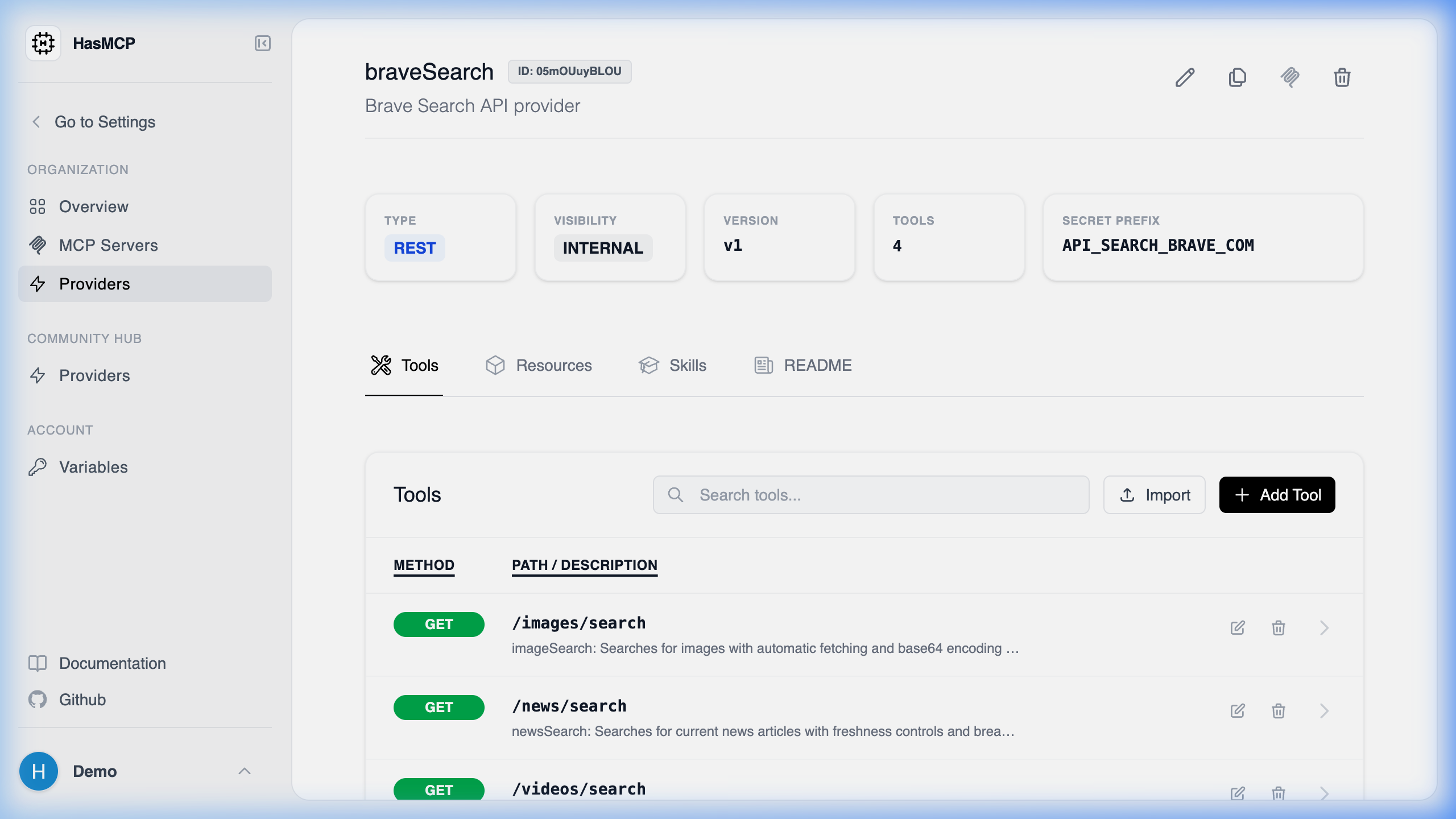
Using REST API
When you need to programmatically explore what capabilities a specific provider possesses, you can fetch its entire tool inventory via a sub-routedGET request.
The API Endpoint
GET /providers/{providerId}/tools
Retrieving the Tool List
By supplying the target{providerId}, the HasMCP Manager API will return a ListProviderToolsResponse object containing a tools array.
Example Request
What’s Included
Every item in the returnedtools array provides:
- The
idof the tool itself. - Information on the
inputSchemathat must be fulfilled by an LLM to trigger it. - The
executionpath defining how HasMCP routes the elicitation to the underlying third-party API.