

Listing All Tools Associated with an MCP Server
Using HasMCP UI
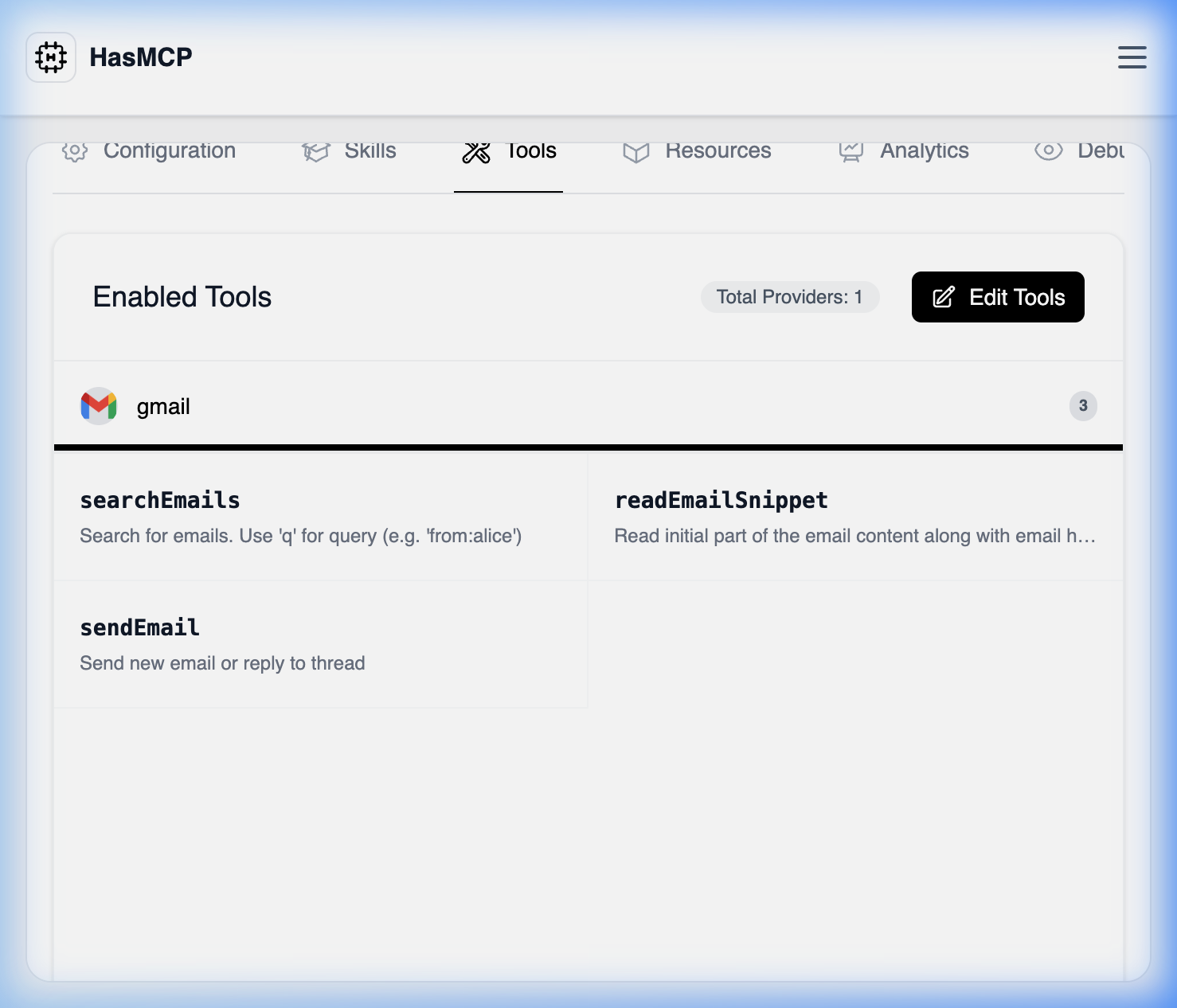
- Open up an active server from the MCP Servers dashboard.
- Select the Tools tab.
- This page automatically renders the
listServerToolsnetwork request, displaying all connected tools, detailing their origin Provider, operational status, and description configuration.
Using REST API
For automation, auditing, and observability scripts, fetching a server’s active tools guarantees visibility into what an LLM agent is physically permitted to execute.The API Endpoint
GET /servers/{serverId}/tools
By submitting a GET command, the HasMCP manager proxies a query resolving all active associations.
Example Request
ListServerToolsResponse containing a tools array. Each object maps back to the precise serverID, providerID, and toolID relationship, guaranteeing cross-system auditability.