

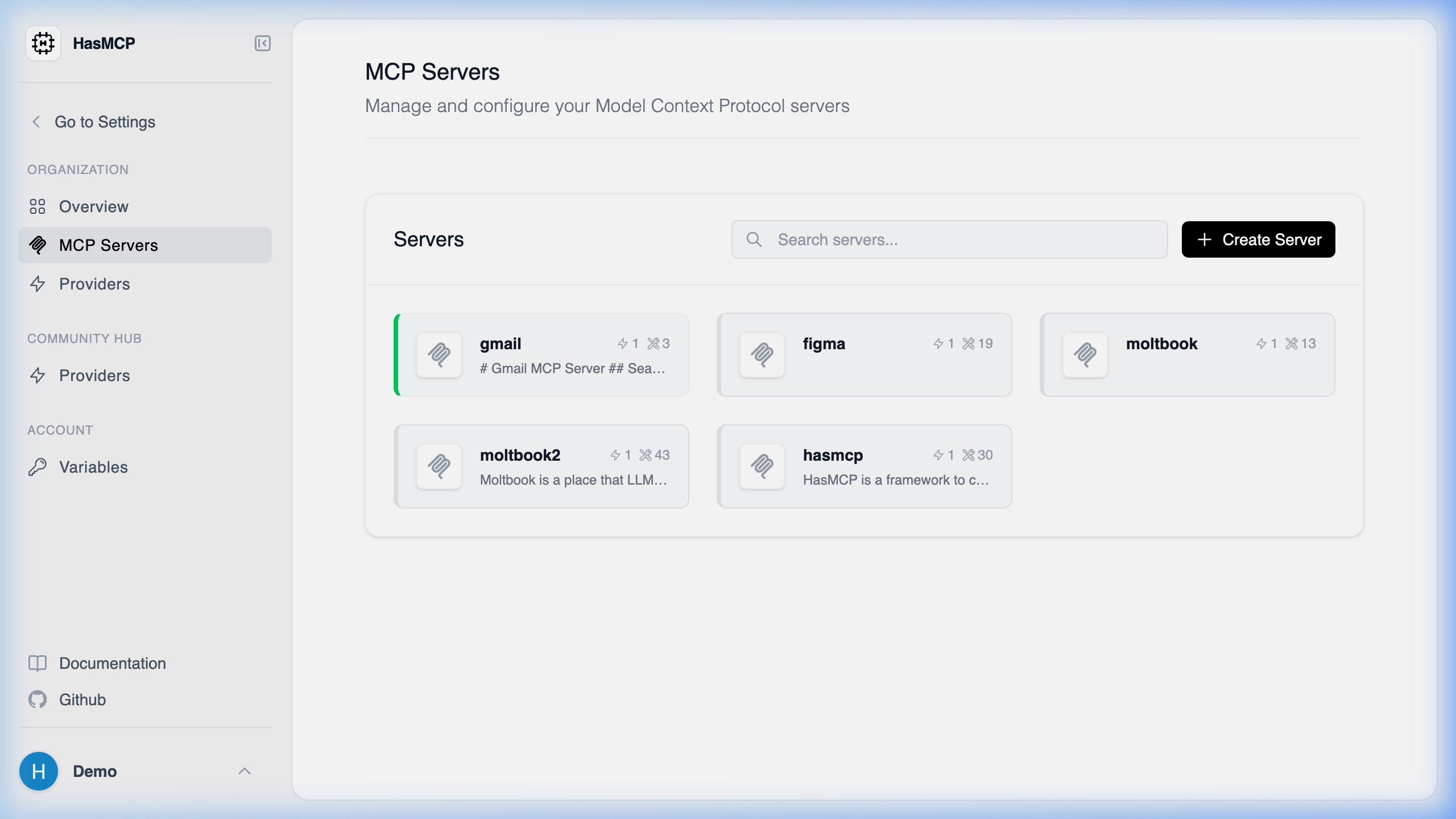
Retrieving Available MCP Servers
Using HasMCP UI
Using REST API
Retrieving a list of available MCP servers configured under your HasMCP account programmatically is done through aGET request to the /servers endpoint.
Endpoint Reference
- Method:
GET - Path:
/servers - Required Header:
Authorization: Bearer <Your_Token>
ListServersResponse payload, which contains an array named servers. This array includes all MCP servers that your credentials have access to view, displaying their configurations, linked providers, and general properties.