

Deleting a Tool from a Provider
Using HasMCP UI
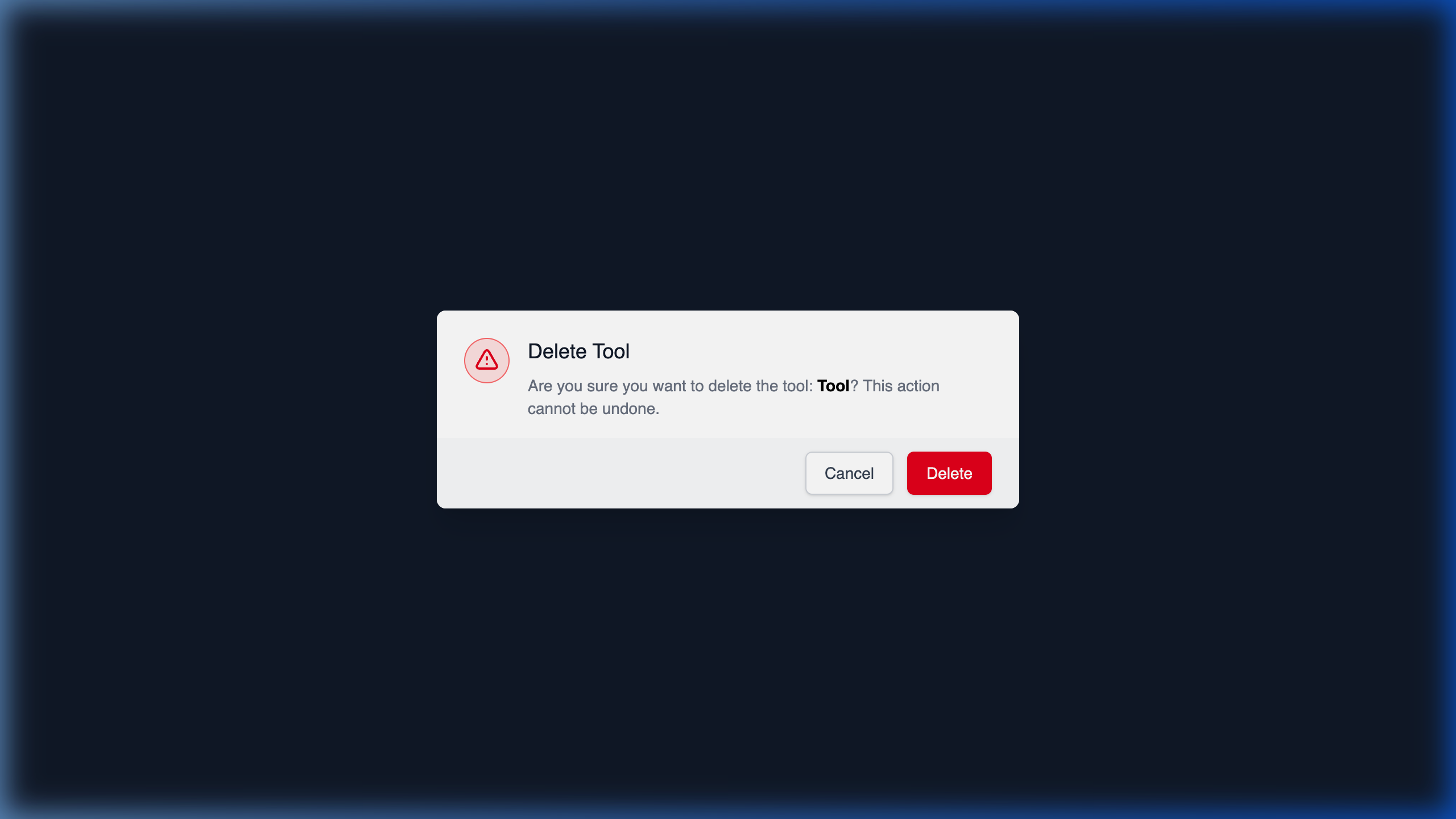
- Navigate to the Provider containing the tool.
- In the Tools list, locate the specific capability you intend to revoke.
- Click the Delete button next to it.
- Verify the destructive action in the warning modal and confirm.
Using REST API
When a capability is permanently deprecated from an external API or you wish to cleanly prune your integration catalog, you use the nested tools deletion endpoint.The API Endpoint
DELETE /providers/{providerId}/tools/{id}
Executing the Deletion
Using the specific hashes identifying the provider and the tool, simply dispatch a DELETE request.204 No Content confirms the tool has been deleted.
Warning: Deleting a tool acts as a cascading delete for anyServerToolassociations that rely on it. If this tool was attached to 10 different MCP Servers, removing the masterProviderToolhere will break and drop those local mapped connections on all 10 servers simultaneously.