

The Provider Update Endpoint
Using HasMCP UI
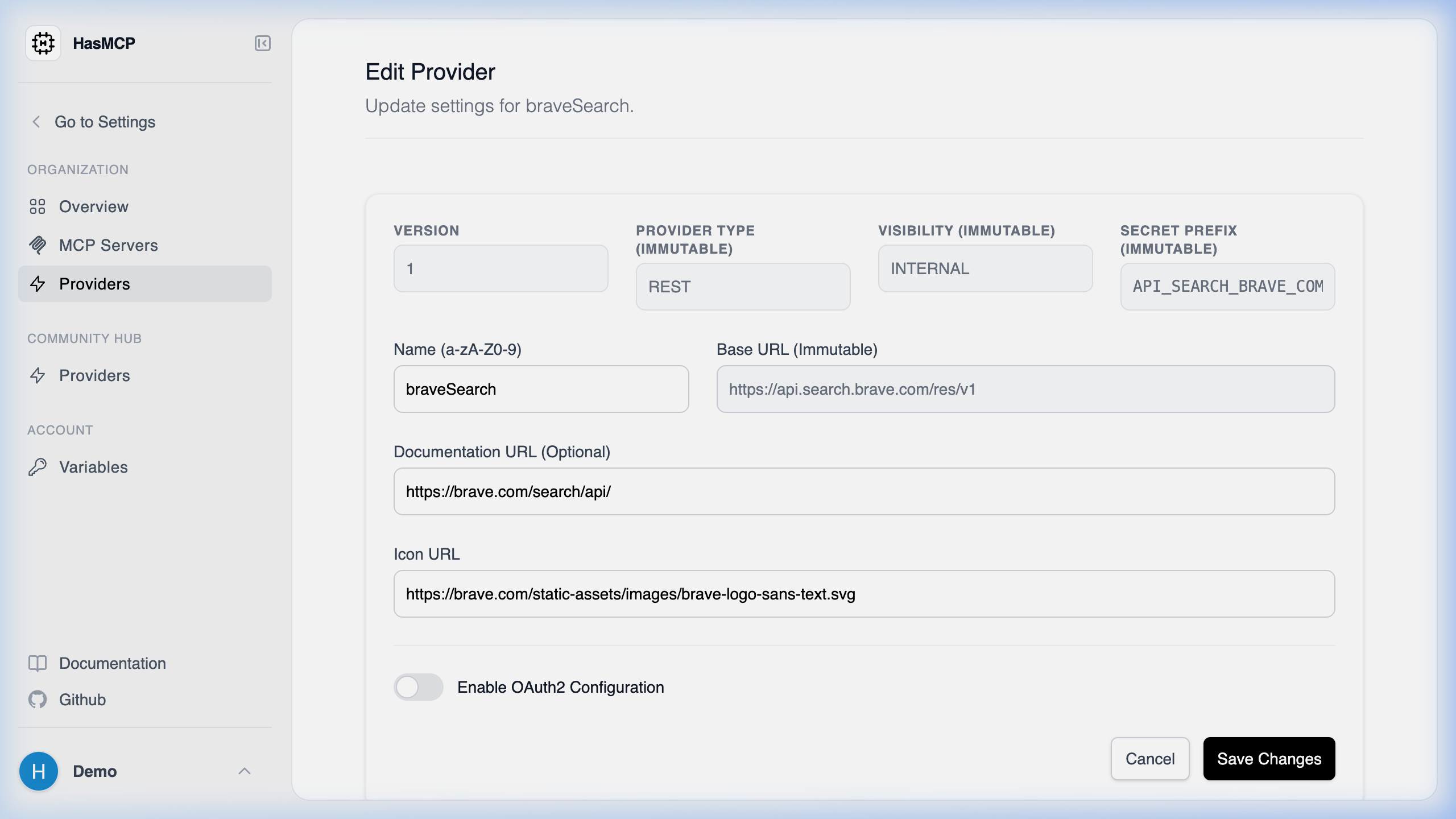
- Go to the Providers list and click on the provider you want to configure.
- Click the Edit button.
- Update the required fields (e.g., baseURL, description) and hit Save.
Using REST API
The explicit API endpoint for updating the configuration of an existing provider in the HasMCP architecture is:PATCH /providers/{id}
Implementing Provider Updates
This action is crucial when an underlying external API changes its versionedbaseURL or if you need to seamlessly rotate oauth2Config credentials (like client secrets).
Constructing the Request
- Address the request to the specific provider ID routing path securely.
- Embed an
UpdateProviderRequestJSON object mapping new properties inside theproviderdictionary.
Example Request
200 OK and the returned UpdateProviderResponse details the changes.