

Listing Your Configured MCP Servers
Using HasMCP UI
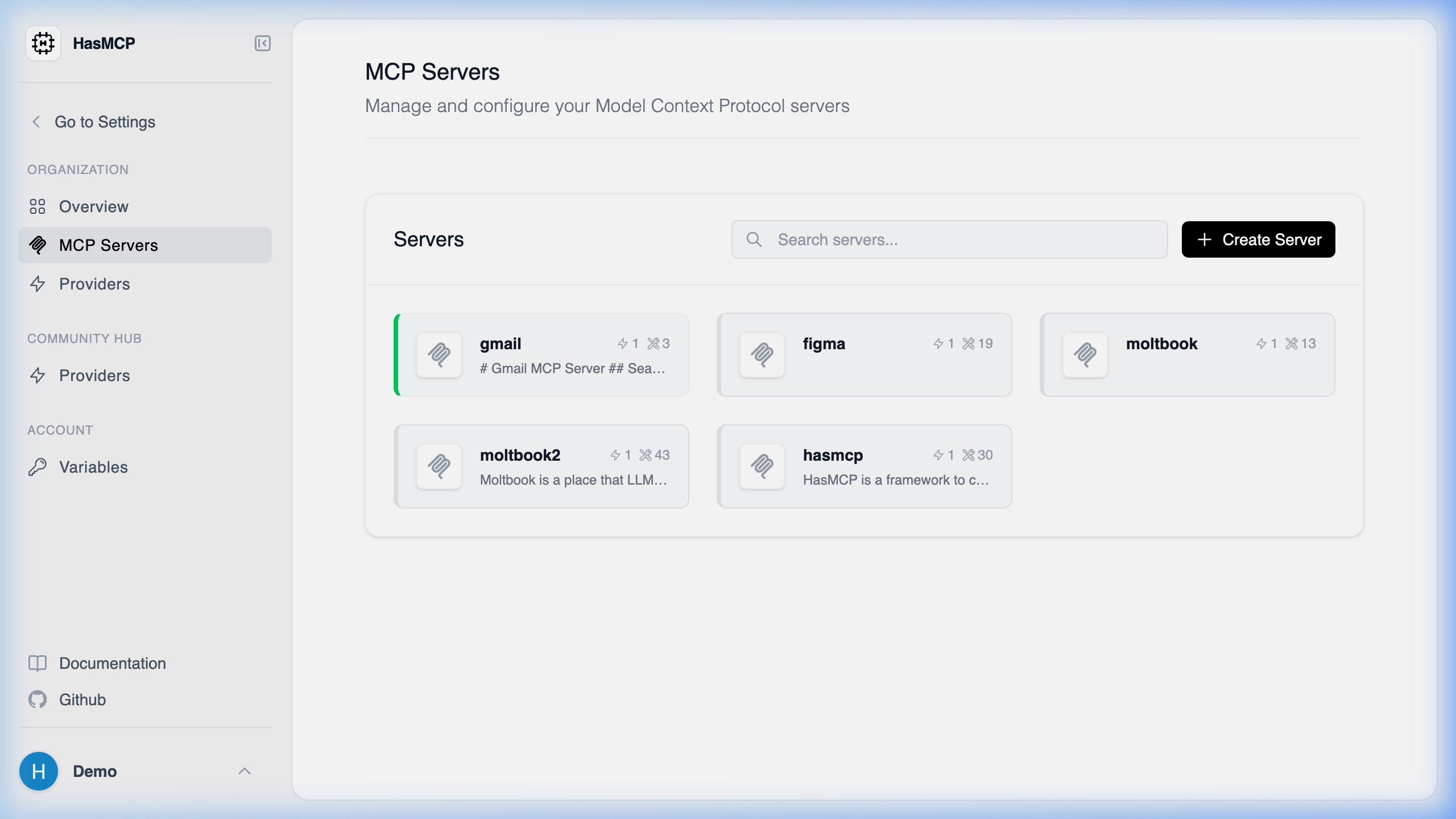
- Log into your HasMCP account.
- Click on Servers in the left-hand navigation menu.
- You will see a grid or list view of all your currently deployed MCP servers.
Using REST API
To list all the MCP servers you have created programmatically, you can use theGET /servers API endpoint.
Making the Request
Make a straightforwardGET request to the /servers endpoint while providing your bearer token for authentication.
Example cURL Command
Response
The API will respond with a200 OK status and a JSON payload containing an array of your server objects. This allows you to view the id, name, createdAt, and other nested metadata for each of your servers.