

Checking MCP Server Status and Configuration
Using HasMCP UI
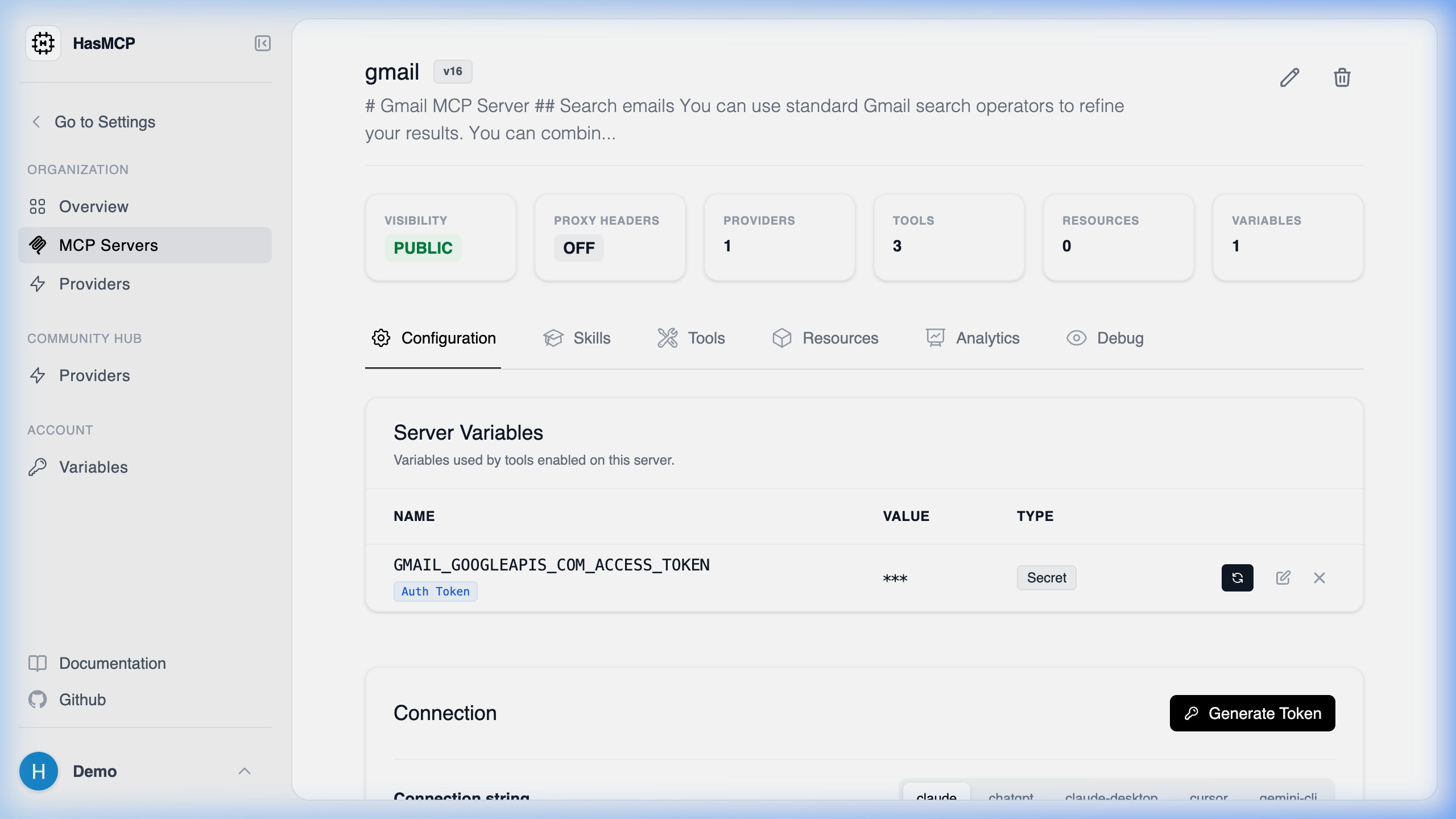
Using REST API
To check the current configuration and inferred status of an MCP server programmatically, you should utilize theGET /servers/{id} endpoint.
Reading the Configuration
When you retrieve the server details, you receive a comprehensive JSON object representing its current state in the HasMCP platform:- Configuration Verification: Inspect the
providers,tools,resources, andpromptsarrays to guarantee that the server has all the capabilities you expect. - Version Checking: Look at the
versioninteger and theupdatedAttimestamp to confirm if your most recent updates (PATCHrequests) have been successfully applied. - Proxy Status: Check the
requestHeadersProxyEnabledboolean to verify your proxy security configuration.
GET /servers/{id}, developers can confirm deployment workflows are successful and assure their agent pipelines are connected to the most up-to-date environments.