

Updating an Existing MCP Server
Using HasMCP UI
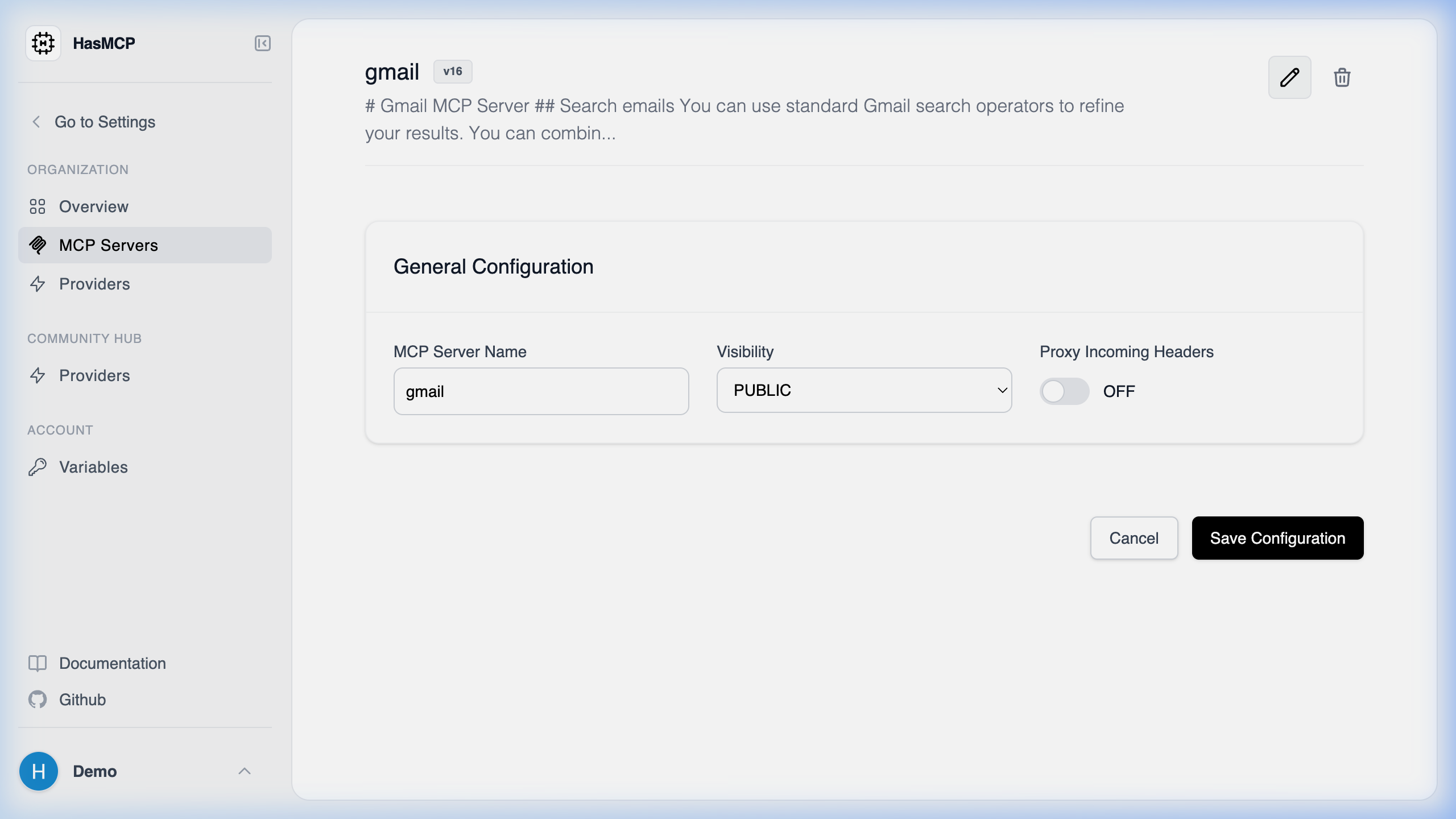
- Navigate to the Servers page from the sidebar.
- Click on the server you want to update to open its details.
- Click the Edit button in the top right corner.
- Modify properties like the name or instructions, and hit Save to apply your changes.
Using REST API
To modify the properties, instructions, or associated components of an existing MCP server programmatically, use thePATCH method against the server’s specific API endpoint.
Update Endpoint Route
PATCH /servers/{id}
The Update Process
- Identify the Server ID: Find the 11-character identifier of your target server (e.g.,
kSuB9Gf6aD4). - Construct the Update Payload: The JSON body should conform to the
UpdateServerRequestschema.
- Update string fields such as
nameorinstructions. - Update associations by passing lists containing the desired
providers,resources, orprompts.
Example cURL Update
200 OK response with the newly updated Server object.