

Listing All Resources of a Provider
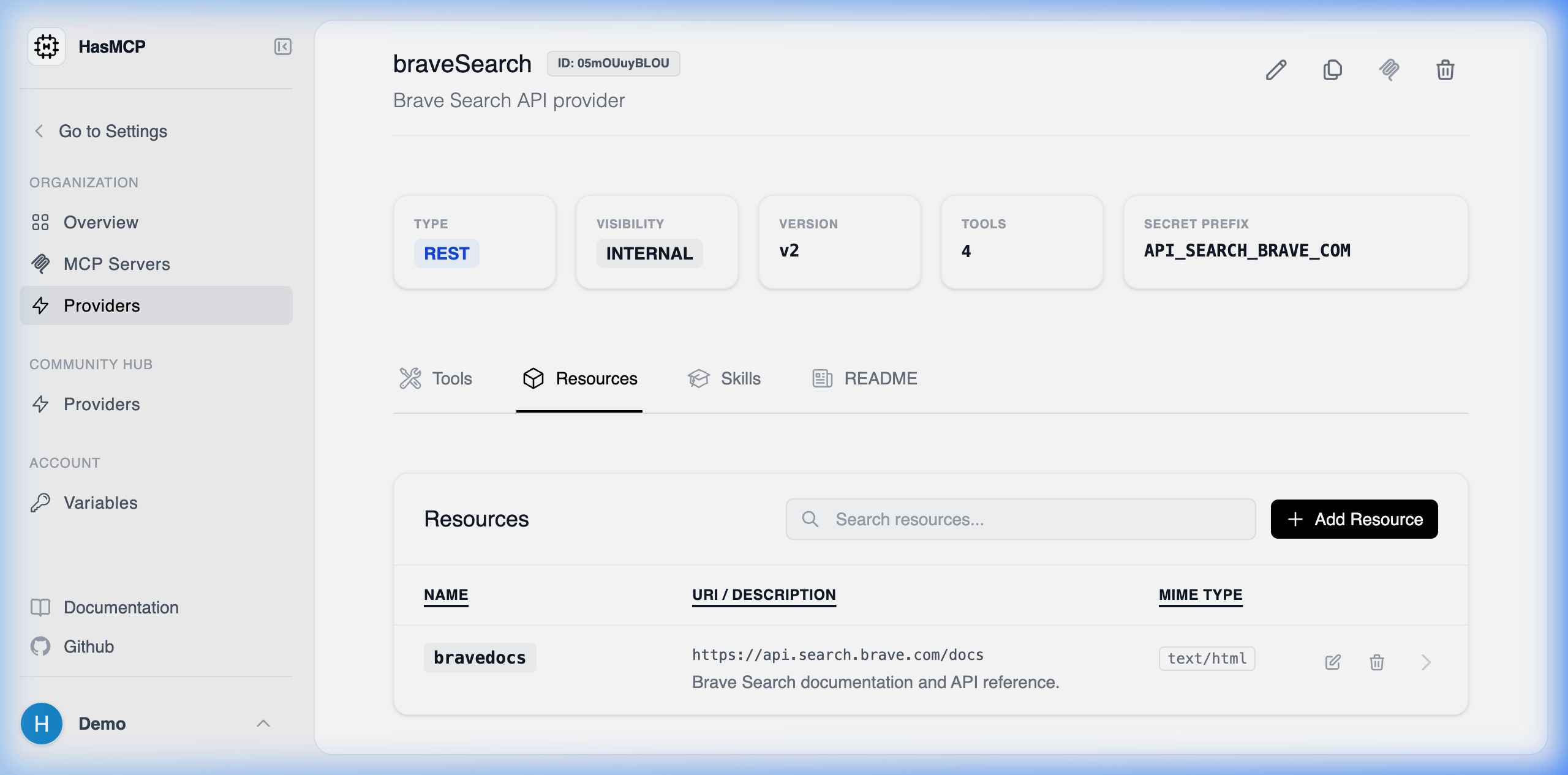
Using HasMCP UI
Using REST API
If you need to programmatically crawl your API catalog to discover what static or read-only context feeds a provider exposes, you target the sub-resource listing endpoint.The API Endpoint
GET /providers/{providerId}/resources
(Note: Replace {providerId} with your provider’s 11-character hash ID).
Fetching the Collection
Dispatching an authenticatedGET request to this endpoint yields a ListProviderResourcesResponse payload containing a resources array.
Example Request
id of the specific resource, its contextual name, expected mimeType, and the uri metadata indicating the logical path of the file or data chunk.