
API Route for Server Details

Using HasMCP UI
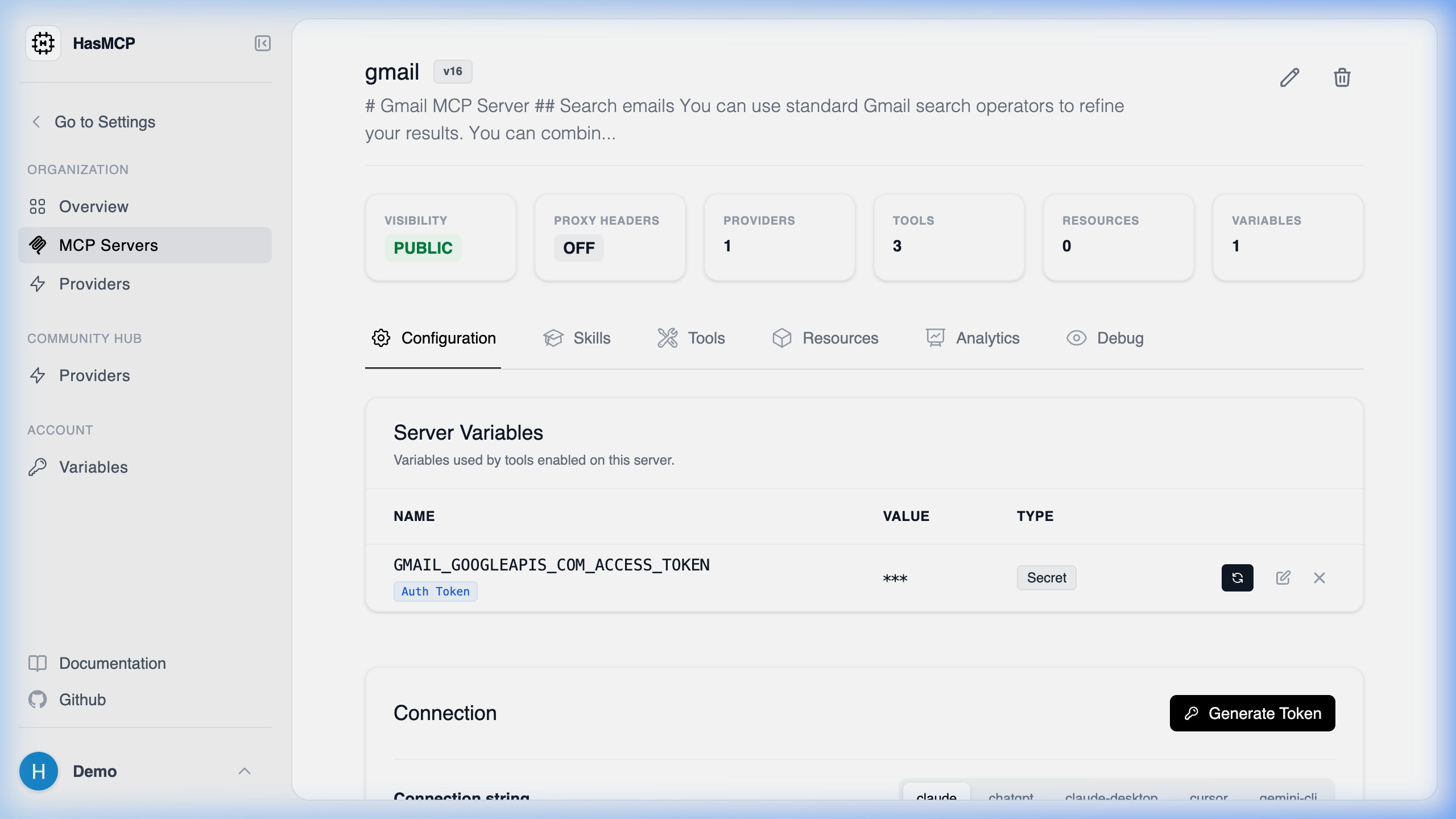
Specific Server Details Page When viewing a server’s details in the UI, the browser internally fetches data from the API to populate the dashboard. You can access the same data programmatically.

Using REST API

The specific API route to fetch the full details of an individual MCP server is: GET /servers/{id}

Route Details

  • Method: GET
  • Path Parameter: id (string, required) - The exact 11-character identifier of the server you wish to inspect.
  • Response: Returns a 200 OK status with a JSON body conforming to the GetServerResponse schema.
This route exposes the complete structure of the specific server, which is essential when auditing a server’s provider setup, inspecting its prompt attachments, or verifying its updated configuration version.